The Complete Guide to eSIM on Huawei in 2026: Compatible Devices, International Plans, and Setup
With Huawei smartphones and eSIM technology, there is no need to look for local mobile shops or buy physical SIM cards while traveling. The carrier profile downloads directly to the device's built-in chip in just a couple of minutes.
List of Huawei Devices Supporting eSIM in 2026
Huawei Pura, Mate, and P Series Smartphones with eSIM
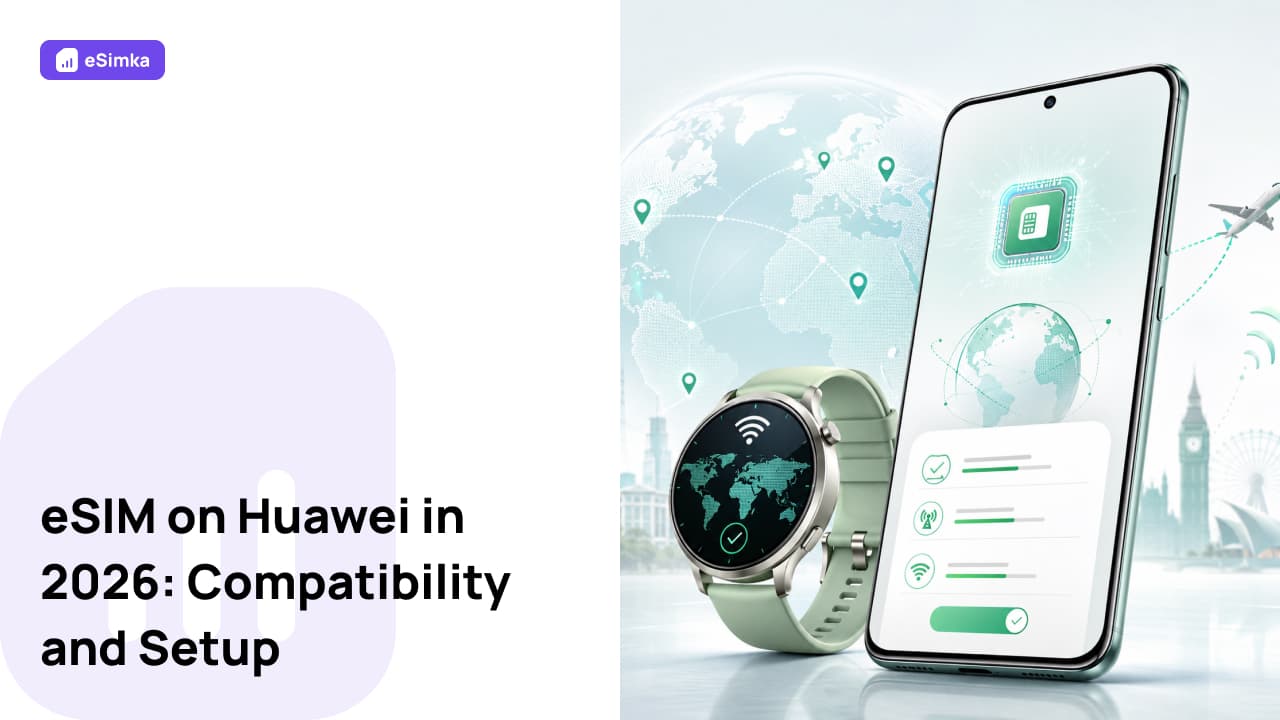
A common question before traveling is whether the Huawei Pura 70 flagship supports eSIM and whether a virtual plan works on the Huawei P60 Pro. Global versions of flagship models come with an eSIM module by default: the entire Huawei Pura 70 lineup, the Huawei P60 Pro, and the foldable Mate X6 support the technology. As for the Huawei Mate 50 Pro and Mate X3, availability depends on the specific region where the device was released. The Huawei Nova 10 SE, Nova 12s, and Nova 13 series do not have a built-in eSIM chip.
Huawei Watch Smartwatches with Independent Connectivity
The Huawei Watch 4 Pro has a built-in independent connectivity module, so it works without being constantly paired with a smartphone. You can receive incoming calls and use mobile data directly from the watch, for example, while running or walking.
How to Check eSIM Support in EMUI and HarmonyOS
Go to the system settings, open the mobile network menu, and select the SIM card management section. If an option to add a mobile plan is available in the list, your Huawei smartphone supports eSIM profiles.
Mobile Internet Abroad with еСимка for Huawei Users
Benefits of a Digital SIM Compared with Physical SIM Cards and International Roaming
Using еСимка eliminates the risk of unexpected international roaming charges from your home carrier. Your primary number remains active for receiving SMS messages from banks, while high-speed internet works through a separate profile.
Regional and Local Data Packages for Travel
You can choose an internet package for a single country or purchase a plan covering several countries in the region. Select the amount of data you need for a specific travel period and pay for the purchase using a Russian bank card.
Step-by-Step eSIM Installation and Activation on Huawei Smartphones
Quickly Adding a Plan Using a QR Code
Open the SIM card management section, tap the option to add a profile, and scan the QR code you received with your camera. Downloading all the plan settings will take about thirty seconds.
Manually Entering the SM-DP+ Server Address and Activation Code
If the code cannot be scanned, copy the SM-DP+ server address and your personal activation code from your account. Then enter both strings into the corresponding fields on the manual setup screen.
Turning on Data Roaming and Selecting the Preferred SIM
After arriving at your destination, set the newly added profile as the primary option for mobile data. In the settings for the new SIM, switch data roaming on.
Setting Up eSIM on Huawei Watch Smartwatches Through the Huawei Health App
Activating an Independent Plan on the Watch
Open the Huawei Health app, select your paired watch, and find the mobile connectivity settings menu to download a plan.
Using One Number Across Your Smartphone and Watch
To use the same number on two devices, your mobile carrier must officially support this service. With this setup, the watch shares the same allowance of minutes and gigabytes as your smartphone.
Troubleshooting eSIM Setup and Usage on Huawei Devices
QR Code Recognition Errors and Profile Download Failures
Before starting the setup process, make sure your Wi-Fi connection is stable. Check that the profile has not already been downloaded to another phone.
Transferring an eSIM to a New Device or Restoring It After a Factory Reset
The vast majority of travel plans are strictly limited to a single installation. If you change smartphones, simply order a new data package through еСимка in just a couple of clicks.
Frequently Asked Questions (FAQ)
Can You Use a Physical SIM Card and an eSIM at the Same Time on Huawei Phones?
Yes, the device allows you to keep one physical SIM card and one active digital profile connected to the network simultaneously.
How Many eSIM Profiles Can Be Stored on a Huawei Smartphone?
You can store up to five profiles on the chip, but only one selected profile will transmit data.
Can You Completely Replace a Physical SIM Card with an eSIM on Huawei?
Yes, you can use only a digital SIM for calls and internet access, leaving the physical SIM slot empty.
Do Huawei Smartphones Released for the Chinese Market Support eSIM?
Models intended for the domestic Chinese market generally lack a built-in eSIM chip and are designed to use only two physical nano-SIM cards.