What Is eSIM on Samsung Galaxy Running Android: Complete Travel Guide for 2026
The built-in digital chip eliminates queues at airport carrier stores and the hassle of using paper clips to open a SIM tray. Below, we will look in detail at how One UI works, eSIM support across Samsung devices, and the nuances of setting it up abroad.
What Is a Virtual eSIM Card in Samsung Smartphones and How Does It Work?
The technology on devices from the Korean brand relies on a dedicated board component. It is an eUICC microchip soldered directly onto the smartphone's system board at the factory. The area of this microchip does not exceed a fraction of a millimeter. A profile file from any provider can be loaded onto the chip remotely, so a physical plastic card is no longer required.
A SIM card in this format becomes ordinary encrypted software data. The smartphone downloads cryptographic keys from a secure server, after which the modem registers with the cellular network using standard protocols.
How the Built-In eSIM Chip Differs from a Traditional Physical SIM Card
A nano-SIM card is permanently tied to one cellular network and a specific phone number. The eUICC chip built into Samsung Galaxy is completely free from this hardware limitation. Its internal memory can store several plans from different providers simultaneously. You can switch to another number in two seconds directly from the system settings.
A physical tray wears out over time, and its contacts can become dirty when SIM cards are repeatedly swapped during trips. The built-in module is sealed inside the body, protected from dust and moisture, and not subject to mechanical wear.
Pros and Cons of a Digital SIM Card When Traveling Abroad
The main advantage of the technology is that a purchased digital plan starts providing internet access as soon as the plane lands. The plan can easily be purchased at home over home Wi-Fi, while mobile data can be enabled at the arrival airport. If the device is stolen, a thief cannot remove the soldered electronic chip to intercept bank SMS messages.
The main problem is compatibility: older entry-level models simply do not have an eUICC chip installed. If the smartphone breaks or runs out of battery, quickly transferring the virtual number to a basic feature phone is not possible.
Which Samsung Galaxy Devices Support eSIM in 2026?
Compatibility with a particular model depends primarily on the device's release year and series. Initially, the manufacturer installed these modules only in flagship devices, but the technology later appeared in mid-range devices as well.
Full List of Compatible Smartphones from the Galaxy S, Z Fold and Z Flip Flagship Lines
The virtual connectivity module began appearing in the brand's flagship smartphones in 2020:
- Galaxy S lineup: generations from S20 through S26, including Plus and Ultra versions. The only exceptions are devices marked Fan Edition.
- Galaxy Z foldable series: the technology works on all Fold and Flip devices of every generation.
- Note lineup: Note 20 and Note 20 Ultra. The standard Galaxy Note 10 does not have a built-in chip.
Support for Digital Profiles in the Galaxy A Series, Tab Tablets and Watch Smartwatches
In the mid-range segment, support is introduced selectively. Mass-market models such as Samsung A71 or A34 do not have virtual numbers — the manufacturer left only a standard tray for two cards. The required chip was added to later phones, including the Galaxy A35 5G, A54 5G, A55 5G, and 2026 devices.
Among tablets, the option is available on the Galaxy Tab S9 and S10 with 5G / LTE mobile network support. In Galaxy Watch devices, the chip works independently and can receive calls even without a smartphone nearby.
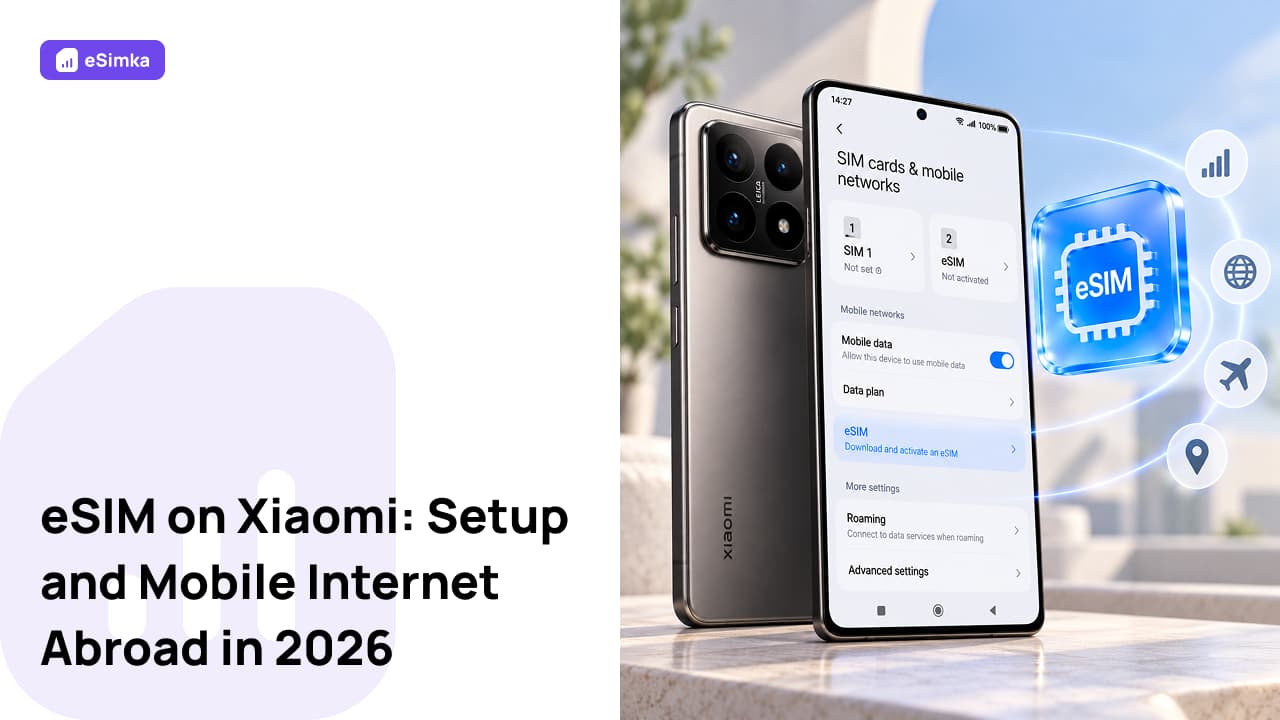
How to Check for an eSIM Module in the One UI Menu
The easiest way to check whether your phone has the module is to follow these short steps:
- Open the system “Settings.”
- Go to “Connections.”
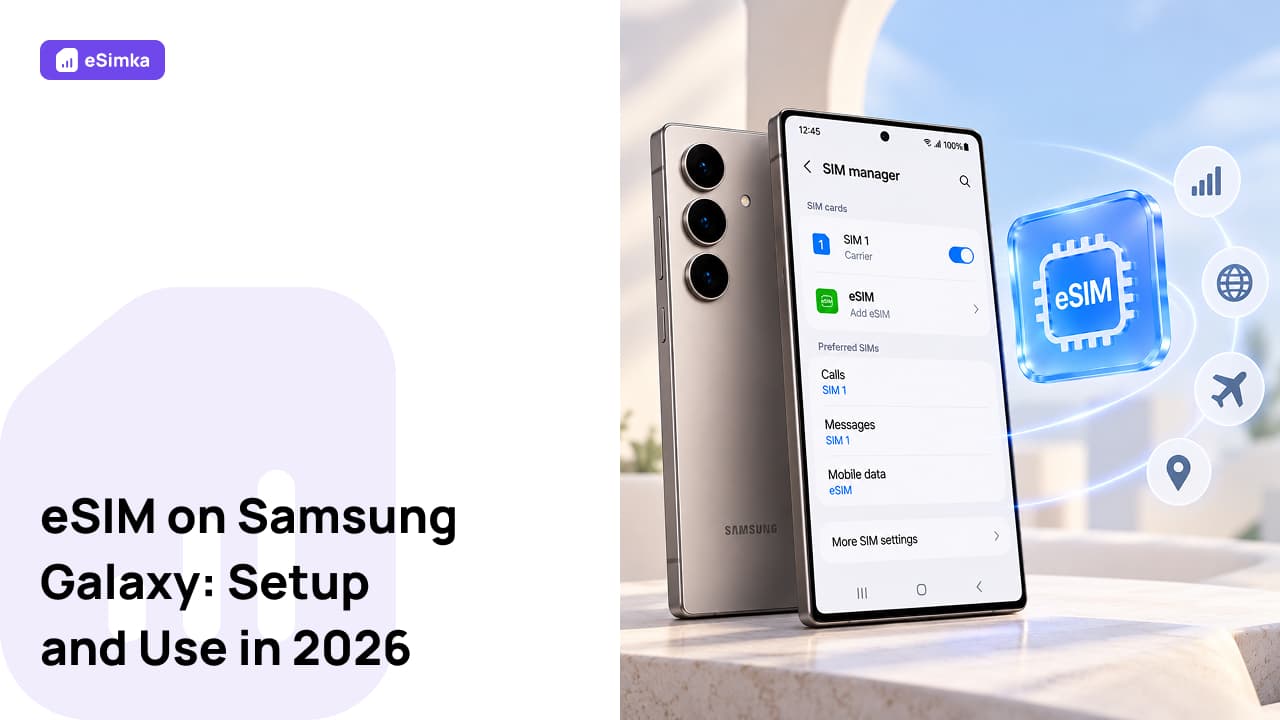
- Tap “SIM manager.”
If the menu contains “Add eSIM” or an option to add a mobile plan, the smartphone supports a virtual mobile plan.
Regional Restrictions and Why the Feature May Be Missing from Some Galaxy Versions
Versions for China, Hong Kong, and some Middle Eastern countries are released with two physical nano-SIM slots and without an eUICC chip. The hardware chip will not appear on the motherboard even after installing a European One UI firmware. When buying a phone abroad, you need to check the exact regional code for such devices in advance.
How to Choose an Affordable Mobile Data Plan Abroad
When traveling abroad, it is important to choose the right network connection option from the start. A poor choice of mobile carrier can often lead to significant overpayments for international roaming.
Home Roaming, a Physical Local SIM or an International eSIMka Card: Cost Comparison
Standard roaming from a home carrier costs 400–600 rubles per day for just a couple hundred megabytes. Buying a physical card at the airport takes time, requires a passport, and often includes an unwanted bundle of minutes.
With the eSIMka service, everything is faster: choose a country on esimka.ru or esimka.io, pay with a Russian card, and immediately receive a working profile. No queues, hidden overpayments, or extra currency-conversion fees.
Data-Only Packages vs. Plans with a Local Phone Number
Most travelers abroad only need data: navigation, online banking, messengers, and taxi services work over a network connection. Voice plans require passport verification and are subject to local fees, so data-only packages are more practical.
Ways to Safely Pay for Digital Plans from Russia
International platforms have stopped accepting Mir payment cards and Russian Visa/Mastercard cards. The eSIMka service accepts payments via SBP, 3-D Secure, and Russian bank cards, instantly sending the QR code file to your email address.
Step-by-Step Guide: How to Install and Activate an eSIM on Samsung
To install an eSIM on a Samsung smartphone running Android, there are three basic methods. Before starting the setup, connect the phone to a reliable Wi-Fi network.
Option 1. Quick Setup Using a QR Code from the Mobile Carrier
The main method for quickly installing an eSIM on supported devices:
- Go to “Settings” → “Connections” → “SIM manager.”
- Tap “Add eSIM” and select “Scan QR code.”
- Point the phone's camera at the code received from eSIMka.
- Tap “Add” to complete the process.
The profile download will take between 30 and 60 seconds.
Option 2. Manually Entering the SM-DP+ Address and Activation Code
If the camera cannot scan the QR code, select the manual activation-code entry option below the viewfinder. Copy the SM-DP+ address and secret key from your account. Paste the copied values into the corresponding fields and tap “Done.”
Option 3. Adding a Profile Through the Carrier's Mobile App
Some providers allow you to quickly set up a profile with a single tap without manually entering codes. Simply launch the provider's app and confirm the action: the One UI manager will apply the new mobile plan.
Setting Up Two SIM Cards While Traveling
A full understanding of what an eSIM is on Android Samsung includes properly managing the combined Dual SIM connectivity mode.
How to Assign an eSIM for Mobile Data While Keeping Your Main Number for Bank SMS Messages
To avoid losing access to one-time authentication codes, keep your home carrier's physical SIM active for incoming calls and messages, while assigning the virtual chip as the source of network traffic.
In the “SIM manager” menu, scroll down to the “Preferred SIM” section. For “Calls” and “Messages,” keep your home number, and assign the eSIMka profile to “Mobile data.”
How to Configure Data Roaming Settings in One UI to Avoid Hidden Charges
Open the “Mobile networks” section and enable the “Data roaming” switch. This will allow the new plan to access the internet through local partner towers abroad. Be sure to disable “Auto switch mobile data” so that the phone does not use expensive traffic from the home SIM when the guest network temporarily loses signal.
Tethering: How to Use Samsung Galaxy as a Wi-Fi Router
All eSIMka profiles allow tethering. Open “Settings” → “Connections” → “Mobile Hotspot and Tethering.” Set the hotspot name, protect it with a WPA3 password, and share the internet with other devices without carrier restrictions.
Troubleshooting Common eSIM Issues on Galaxy Devices
Even with an understanding of all the nuances, setting up an eSIM on Samsung running Android can sometimes be difficult.
What to Do When Activation Errors Occur and the Status Shows “Connection Failed”
Installation errors are most often caused by an unstable Wi-Fi signal. The eUICC module verifies security certificates, so any network failure interrupts the process. Disable the VPN, restart the device, and try scanning the code again on your devices.
Causes of Slow Network Performance Abroad and How to Select a Carrier Manually
The phone normally connects automatically to local carrier towers. If the speed drops to 2G/3G, go to “Settings” → “Connections” → “Mobile networks” → “Network operators.” Turn off automatic selection and try manually connecting the smartphone to a network with stable 4G or 5G.
How to Properly Temporarily Disable or Completely Remove a Digital Profile
If you do not need internet access for now, there is no need to delete the profile completely. In the “SIM manager” menu, simply switch the required plan's toggle to “Off.” The delete button should only be pressed after the trip is over: most providers do not allow the QR code data to be scanned again.
Frequently Asked Questions (FAQ)
Will an eSIM Work Immediately After Arriving in Another Country?
Yes. The smartphone connects to a foreign cellular tower within 1–2 minutes after airplane mode is turned off.
When Does the Validity Period of a Purchased Data Package Start?
The purchased plan is activated not on the day of purchase, but when the device first connects to a cellular network on the supported devices in the destination country.
Can You Install Several eSIM Profiles on One Samsung Smartphone at Once?
The storage on current Samsung Galaxy phones can hold between 5 and 10 profiles, but only one or two can remain active on the devices.
Do the Galaxy S20 FE and S21 FE Models Support eSIM Technology?
No: the built-in chipset of the S20 FE and S21 FE does not include an eUICC chip in order to reduce manufacturing costs.
Can You Scan the QR Code Again and Add a Profile After Deleting It?
Practically every travel plan is designed for one-time loading: when the profile is deleted, the server immediately invalidates the key.
How Do You Transfer a Configured eSIM to Another Samsung Galaxy Phone?
Devices with One UI 5.1 and later support direct SIM transfer to a nearby Samsung phone.
Can You Convert a Physical SIM to an eSIM Directly in Samsung Settings?
The “SIM manager” menu includes a conversion option, but this feature depends on support from your carrier.
What Should You Do if eSIM Activation Gets Stuck or Fails?
Turn on airplane mode for 15 seconds or restart the system on your devices. If the network does not appear, check the “Data roaming” switch for the mobile network in the One UI system settings.