Blog

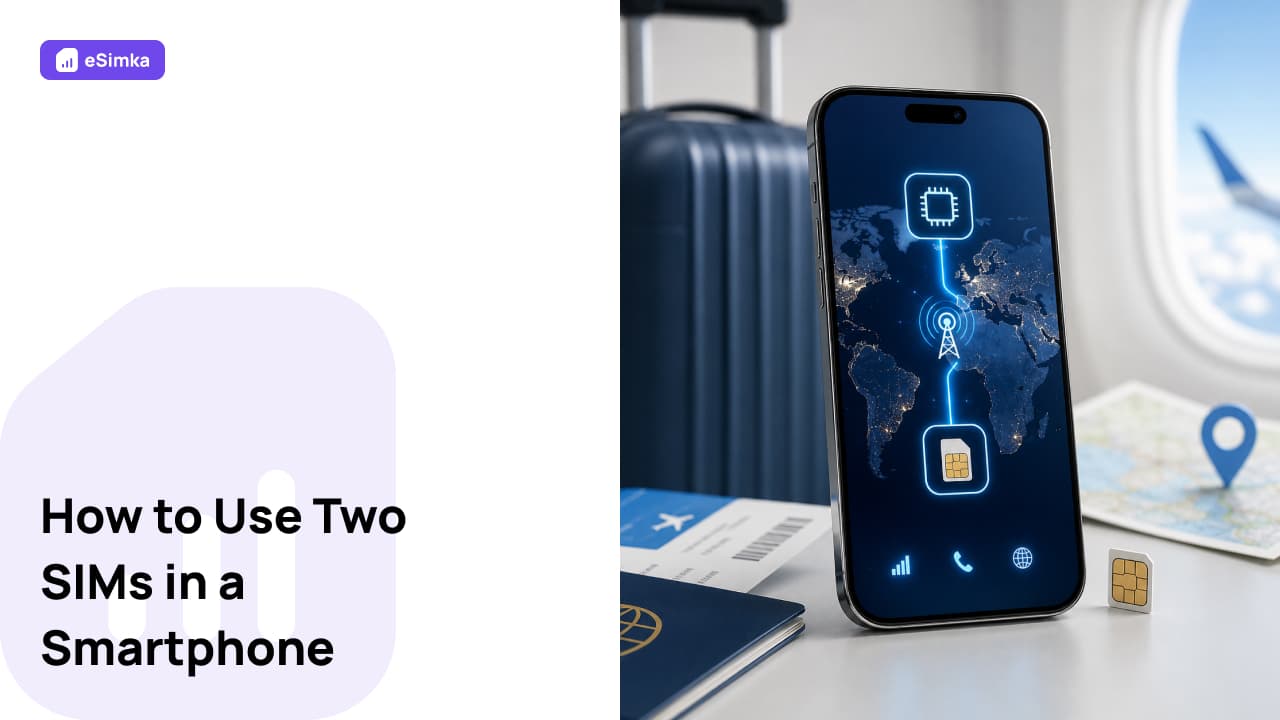
How to Use Two SIMs in a Smartphone: Using an eSIM and a Physical SIM at the Same Time

This guide explains how to use two SIMs in a smartphone without getting confused about mobile lines and internet settings. This is especially relevant for Moscow residents in July: it is travel season, and people need mobile tickets, banking SMS messages, maps, and taxi apps. You will get a clear sequence of actions, settings for iPhone and Android, data roaming recommendations, and a quick troubleshooting plan.
How to Use Two SIMs

Activate eSIM

right after reading

180+ countries · Instant email delivery · 24/7 support

Go to shop

How to Transfer an eSIM from iPhone to iPhone: Switching from a Physical SIM to an eSIM — 2026 Step-by-Step Guide

Looking for a clear way to transfer an eSIM from one iPhone to another without visiting your carrier or losing connectivity? Below, you will find straightforward steps, options for switching from a physical SIM to a built-in profile, and setup recommendations. This guide will be useful when buying a new iPhone, preparing for a trip, or connecting a virtual SIM through the “eSimka” service. Save the checklists so you can quickly verify the settings under “Cellular” on your device.

Helpful GuidesDevice Setup
How to Transfer an eSIM from iPhone to iPhone