How to Disable or Delete an eSIM on Your Phone in 2026: A Step-by-Step Guide for Travelers
Virtual SIM cards are convenient when traveling, but it is often more practical to disable them promptly after returning home or moving to another country. Below are practical steps for popular mobile operating systems.
Temporary Deactivation or Permanent Deletion: What's the Difference for Travelers?
When you temporarily deactivate an eSIM, its profile remains stored in the phone's memory. The network module stops transmitting data, but you can turn it back on at any time. Permanent deletion erases the entire configuration and settings from the chip, with no way to restore them.
How to Temporarily Disable an eSIM Without Losing Your Plan
It is easy to save your unused data allowance for your next trip: simply switch the toggle for the relevant number to the off position.
How to Disable an eSIM Cellular Plan on an Apple iPhone
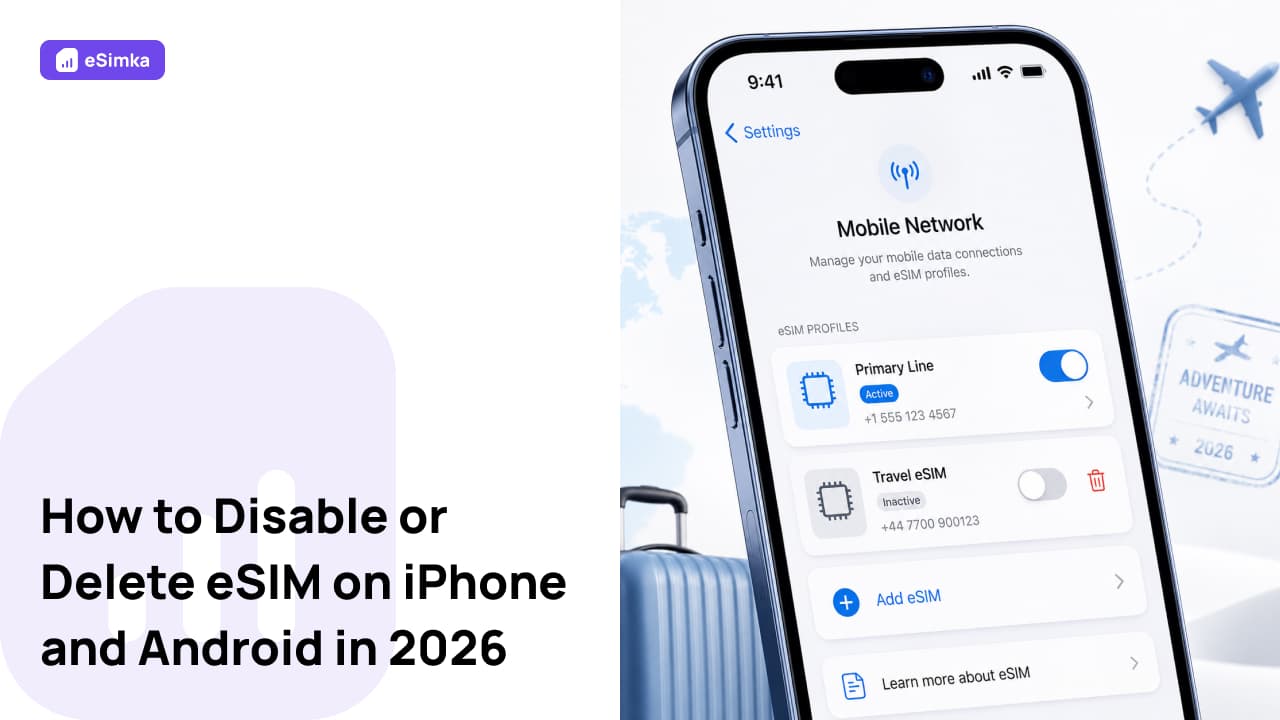
Open the cellular settings on your iPhone. Select the relevant number and move the “Turn On This Line” toggle to the left. This explains how to temporarily disable an eSIM on an iPhone without losing data.
How to Disable an eSIM Profile on Samsung Galaxy Phones
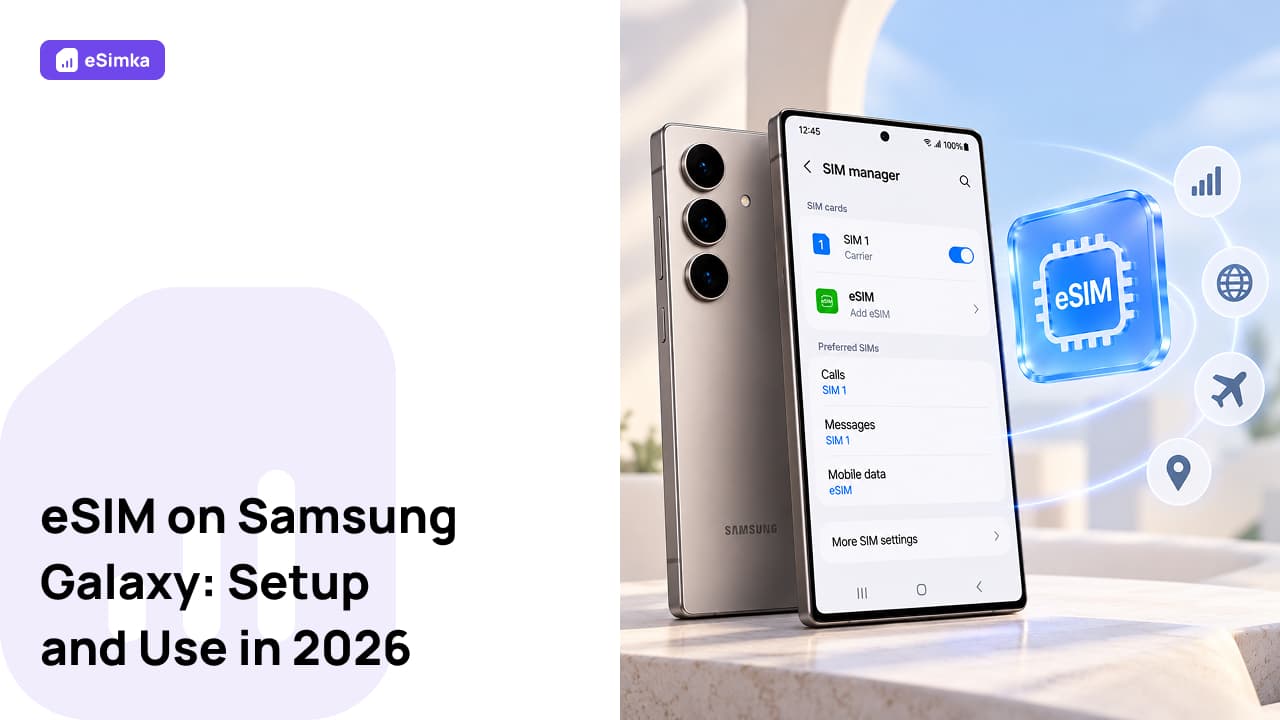
Go to “Connections,” find “SIM manager,” and move the slider next to your travel SIM. This is a simple way to disable an eSIM and enable your primary carrier's SIM card.
How to Deactivate an eSIM on Xiaomi and Google Pixel Devices
Open “Network & Internet” on a Google Pixel or the SIM settings on a Xiaomi device. Select the virtual number and switch “Use SIM” to the off position. Knowing when to disable an eSIM on Android helps reduce battery consumption while traveling.
How to Permanently Delete an eSIM Profile From Your Phone
Delete the profile only when your mobile data allowance has been fully used. You can safely delete used eSIMka packages to free up space for future trips.
How to Delete a Virtual SIM on iOS
To disable the card on iOS, go to “Cellular Data,” select the relevant plan, and tap “Delete eSIM” at the bottom of the screen.
Instructions for Deleting an eSIM Profile on Android
Open the SIM manager in your device's settings, select the unnecessary number, and tap “Delete.” The phone will erase the information from the chip in just a couple of seconds.
How to Disable an eSIM Before Selling Your Device or Transferring It to a New Phone
Before selling or handing your device to someone else, remove all virtual numbers from the cellular settings. When performing a full phone reset, select the option to erase data from the built-in chip.
How to Block an eSIM or Terminate a Contract Through Your Mobile Carrier
If your plan with a recurring fee is tied to a permanent number, deleting it from your device is not enough. To close the contract, contact your carrier's support team through your account dashboard or mobile app.
Troubleshooting: What to Do If Your eSIM Won't Delete or Shows an Error
Restart your phone and make sure your Wi-Fi connection is stable. If the problem occurs again, open the system settings and reset the network settings.
Frequently Asked Questions (FAQ)
What Is the Difference Between the “Delete eSIM” and “Delete Plan” Menu Options?
There is no difference: depending on the firmware version, both options simply erase the entry from the phone's memory.
Does Deleting an eSIM From Your Phone Cancel Your Paid Plan?
No. The billing period does not reset, and the plan remains active under the carrier's terms until the end of its validity period.
Can You Restore and Reinstall an eSIM Profile After Deleting It?
A one-time QR code for travelers is not designed for reuse. Once the profile has been deleted, the system will no longer allow you to install it again.
What Should You Do If Your Phone's Settings Don't Have a Delete eSIM Button?
Check the Screen Time settings and see whether an active corporate MDM profile is installed on the device.
Is It Safe to Delete an eSIM Profile While Abroad?
Yes, provided that your phone is already connected to another network or data roaming is enabled on your primary number.
Are eSIM Profiles Erased When You Factory Reset Your Smartphone?
During a full reset on Android and iOS, the system separately asks whether you want to erase the current plan or keep it on the chip.
What Happens to eSIM Data When You Take Your Smartphone to a Service Center?
The information on the chip does not disappear. However, before visiting a service center, it is safer to temporarily disable the number or delete the profile completely.
How Many eSIM Profiles Can You Store on a Device at the Same Time?
A modern phone's memory can hold between 5 and 10 profiles, allowing you to choose the right option for each travel itinerary.
What Should You Do If You Accidentally Delete a Travel eSIM?
Contact eSIMka support to check the profile's status or purchase a new plan for your destination country.