How Many eSIMs Can Be Added to a Phone
This material will help you understand the limits for iPhone and Android, choose a plan for your trip, and set up a digital SIM without surprises. It is convenient to connect a travel profile through “eSimka” so you do not waste time looking for a local sales point at the airport.
In Brief: What You Need to Know
- Most smartphones can store several profiles, while one or two lines can work at the same time.
- iPhone 13 and newer support two active digital lines; earlier models support one.
- Android smartphones have different limits: everything depends on the chip, firmware, and interface.
- The “home SIM + travel profile” combination is convenient for internet access abroad.
- Data roaming sometimes needs to be enabled separately for the travel profile.
- Connection quality depends on location, network congestion, phone model, and the local carrier.
What eSIM Is, in Brief
It is a built-in module where a digital profile is downloaded instead of using a plastic card. Installation is started from the “Cellular” section using a QR code or manual parameter entry. The profile is stored locally and can be disabled, deleted, and switched without visiting an office.
Short Answer: How Many eSIMs Can Be Stored and How Many Lines Work at the Same Time
How Many eSIMs Can Be Stored and How Many Numbers Can Be Active at the Same Time
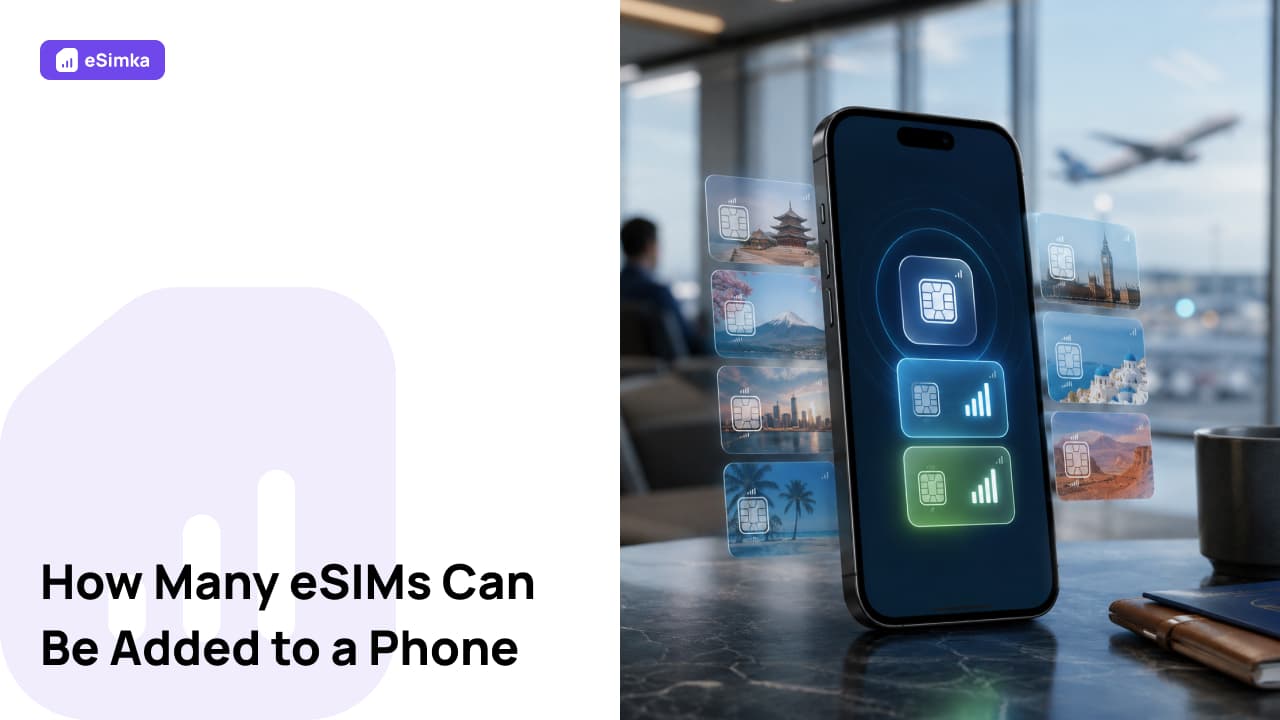
Most flagship phones can store from 5 to 10 profiles, but only one or two lines can be active at once. On some devices, two digital profiles can work in parallel; on others, one digital profile works together with a physical card. The exact limit depends on the model and firmware version.
What the eSIM Limit Depends On
Device Model and Version
Devices from different generations support different limits for profiles and active lines. Newer flagship models can do more, while budget series are sometimes limited to one digital line.
iOS/Android Version and Firmware
System updates can add new combinations and improve profile switching. Check “Software Update” and install the latest build before traveling.
Regional Version and Carrier Lock
Locked devices may not activate third-party profiles. Check the lock status under “Cellular Plans” and review the conditions of the supply region.
Mobile Carrier Restrictions
Some carriers restrict number transfers or prohibit certain combinations from working at the same time. The rules depend on the country and are applied on the network side.
How Many eSIMs iPhone Supports
iPhone 11–12: How Many Profiles Can Be Stored and How Many Lines Can Be Active
Users often ask how many eSIMs can be added to an iPhone. On the 11th and 12th generations, several profiles can usually be stored, but only one digital line works in parallel. A physical card in the slot can be used together with it.
iPhone 13 and Newer: Two Active eSIMs and Profile Capacity
Starting with the 13th generation, two digital lines can work at the same time. The device memory can store a solid reserve of profiles, so you can switch between countries without reinstalling them.
iPhone 14 for the US Without a Physical SIM: Features
The version without a tray uses only digital profiles. More profiles can be stored in memory, and two lines can be active at the same time for data and calls.
How to Find the Exact Limits for a Specific iPhone Model
Open “Settings — Cellular — Add eSIM.” A hint about possible combinations will appear under the button. If necessary, check the model under “General — About” and compare the information with the manufacturer’s website.
How Many eSIMs Android Smartphones Support
Samsung Galaxy: eSIM Support and Typical Limits
Many flagship series allow users to store several profiles and enable one or two lines. Specific options depend on the chipset generation and One UI version.
Google Pixel: eSIM Support and Limits
Current models can store several profiles and run one or two active lines. Options depend on system updates and the sales region.
Other Brands, Including Xiaomi, Huawei, and Others
Capabilities vary by series. Some models support one digital line, while others support two. Check the “SIM Cards and Mobile Networks” menu before purchasing a profile.
Can You Use eSIM Together with a Physical SIM Card?
Combinations: eSIM + SIM, 2 eSIMs, eSIM + 2 SIMs, Rarely
A common setup is a digital profile for internet access and a physical card for calls. Some flagship devices can run two digital lines. Configurations with “digital + two physical” are rare.
Can You Use Two eSIMs from the Same or Different Carriers?
Both setups are possible if the device supports two active digital lines. Before installation, check whether roaming rules and data priority settings conflict with each other.
Can You Store Several eSIMs and Switch Between Them?
Switching Profiles Without Deleting Them
Profiles can be stored in memory and enabled when changing countries. Switching takes about a minute: choose the active line for data and set call priority.
Multiple eSIMs Working at the Same Time: What Is Actually Possible
Most devices limit simultaneous use to two profiles. The remaining entries stay saved and are available for quick activation.
How to Check Whether Your Device Supports eSIM
Checking in Settings and on the Manufacturer’s Website
Open “Settings — Cellular/SIM Cards.” If there is an “Add eSIM” or “Install Digital Profile” option, support is active. Additionally, check the model on the manufacturer’s official page.
How to Know Whether eSIM Works on a Locked Phone
If there is no add button in the cellular plans section or an activation error appears, the device may be locked. Check the status with the seller or under “About Device” in the “Carrier Lock” field.
How to Add, Transfer, and Delete an eSIM
Converting a Physical SIM to eSIM on the Same Device
Many phones have a “Convert to Digital Profile” option. Start the transfer, confirm it with an SMS code, and wait for the migration to complete.
Deleting an eSIM and When It Is Worth Doing
Delete the profile when your trip is over and you do not plan to return. Before deleting it, make sure you have saved the required APN parameters or recovery codes, if they are provided.
Travel and Multiple Profiles
Travel eSIM + Home SIM: How to Combine Them
Keep your home number for SMS messages and calls, and use the digital profile for internet access. Check the “Cellular Data” switch and choose the profile for data transfer.
Roaming and Local Profiles
In many countries, “Data Roaming” must be enabled for the travel profile. The package validity period starts after network activation or from the moment of installation — check the terms with the connection service.
Privacy and Security When Using eSIM
Store the QR code in a password manager and do not publish screenshots with activation data. If the device is lost, delete the profile through the account if remote wiping is available.
How to Choose an eSIM Plan
Start from the length of the trip and your habits. A small allowance is enough for messengers and maps, a medium package is needed for social media, and video requires more. Check the validity period and the rules for when the period begins: upon installation or upon the first network connection.
How to Connect an eSIM Through “eSimka”
- Select the country or region of your trip on the service website.
- Choose an internet package for your dates and tasks.
- Check device support in the settings.
- Complete the connection process and pay with 3-D Secure.
- Receive the QR code and installation parameters by e-mail.
- Add the profile through “Cellular — Add eSIM.”
- Assign the line for data transfer and call priority.
- If necessary, enable “Data Roaming” for the travel profile.
If you have questions about installation, contact “eSimka” support through the request form.
Checklist: Prepare Your Smartphone for Connection
- Update the firmware to the latest version.
- Free up one “slot” for the profile in the cellular section.
- Check the online payment limit in your mobile banking app.
- Enable 3-D Secure for the payment card.
- Save the QR code in a password manager.
- Enable a PIN code and biometrics in advance.
What to Check After Arrival
- Enable the active profile for data transfer.
- Turn on “Data Roaming” for the digital line if required.
- Check automatic network selection and network type, such as 4G/5G.
- Compare the APN access point with the instructions.
- Restart the device after the first 2–3 minutes of registration.
What to Do If the eSIM Does Not Work
- Make sure the profile is enabled in the settings.
- Assign it as the mobile data source.
- Enable “Data Roaming” when traveling abroad.
- Check automatic network selection or set it manually.
- Toggle “Airplane Mode” for 10 seconds.
- Restart the smartphone.
- Compare the APN with the profile instructions.
- Contact “eSimka” support and describe the step where the error appeared.
How Many eSIMs from Other Services Can Be Installed
Restrictions Depend on the Device, Not on the eSIM Provider
The number of profiles and active lines is determined by your smartphone and its firmware. The connection service does not change hardware limits; it only provides installation data. So focus on the model and the cellular plans menu.
FAQ
Will eSIM Work on a Phone Bought Outside Russia?
Yes, if the device supports digital profiles and is not locked to a specific carrier. Check the “Add eSIM” option and the lock status. Regional firmware also affects available line combinations.
Is It Possible to Store Phone Numbers in an eSIM Profile?
Contacts are not stored inside the digital profile. Save them in the device memory or account so they can sync between devices.
Can I Link a Physical SIM and eSIM to One Number?
Sometimes a number can be transferred from a physical card to a digital format on the same device. A pair of simultaneous clones of the same number is usually unavailable — only one active profile works.
Is a Physical SIM Card Required to Use eSIM?
No, many phones work only with digital profiles. In this mode, you assign the only line for data and calls.
Where Can I Connect or Replace an eSIM?
Choose a profile from a connection service, for example a travel solution with a QR code for a trip. Replacement and installation are done remotely in the cellular settings menu without visiting an office.
Can I Keep One eSIM for Home and Add a Second One for Another Country Without Deleting the First?
Yes, most devices can store several profiles in memory. When necessary, switch between them by assigning the active line for internet access and calls.
What Is a Multi-Regional eSIM?
It is a profile that works in several countries under one package. Check the list of zones and the rules for when the validity period begins in the plan description.
Conclusion
The answer to “how many eSIMs can be added to a phone” depends on the model, firmware, and carrier restrictions. Several profiles can be stored, while one or two lines can be active at the same time. Choose a suitable travel package and connect it through “eSimka” to get internet immediately after arrival.