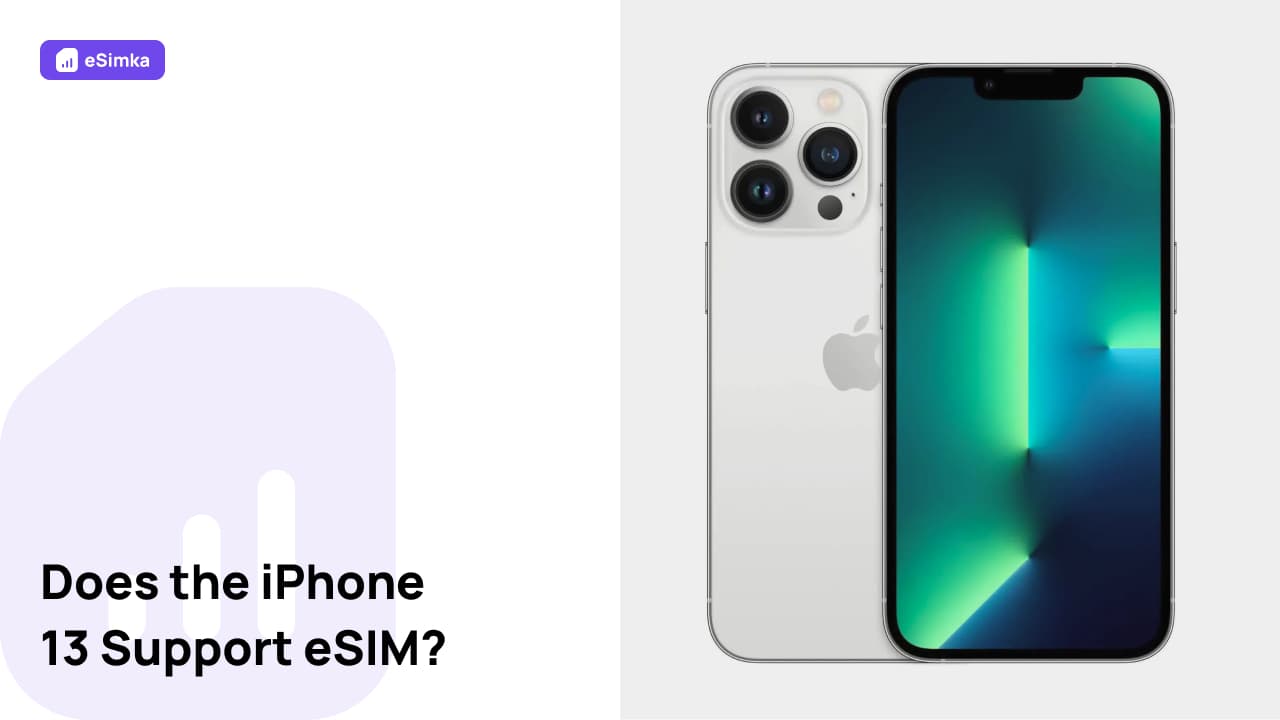
Does the iPhone 13 Support eSIM?
This guide is useful for anyone who needs internet access abroad without a physical SIM card. You will learn how many profiles can be stored on the device, how to select the required line for mobile data, and what to do if the phone cannot connect to a network.
What Is an eSIM and How Is It Different From a Regular SIM?
It is a chip built into the smartphone that stores a digital carrier profile instead of a physical SIM card. The connection is set up using a QR code, and activation takes only a few minutes in Settings — Cellular.
eSIM Support Across the iPhone 13 Lineup: iPhone 13, 13 mini, 13 Pro, and 13 Pro Max
All four models are compatible with digital profiles and can use two lines simultaneously. On iOS 15.4 and later, you can use either two virtual lines or a combination of one nano-SIM and one digital line.
How Many SIM Cards Can Be Used on the iPhone 13 Simultaneously, and Which Combinations Are Available?
Two lines can be active at the same time, while a third profile can remain disabled in the profile list. The available combinations are one physical SIM plus one digital profile, or two virtual SIMs without a physical card.
How to Check eSIM Support: iPhone Model, Carrier, and Region
Open Settings — General — About and check the model number in the A#### format. Some regional versions may not support digital profiles, including certain models intended for Hong Kong and Macau, so check the specifications for your device.
How to Activate an eSIM on the iPhone 13
Activation Using a Carrier QR Code
Go to Settings — Cellular — Add Cellular Plan and scan the QR code from the “eSimka” email. Confirm the installation and wait until the “Connected” status appears in the cellular network settings.
Transferring an eSIM From Another iPhone Using Quick Transfer
Place both devices next to each other, enable Bluetooth, and follow the Transfer Cellular Plan prompts. This method works if the original line supports migration through iOS.
Manual Setup or Activation Through the Carrier’s App
In the Add Cellular Plan section, select Enter Details Manually and enter the SM-DP+ address and activation code. These details are provided by “eSimka” after you complete your purchase.
Managing Two Lines: Default Number, iMessage/FaceTime, and Mobile Data
Assign labels to the lines in Settings — Cellular — Cellular Plan Label. Then choose the default number for calls, specify which line should be used for iMessage, and select the profile for mobile data.
Common eSIM Problems on the iPhone 13 and How to Fix Them
If the internet connection does not work, check whether the profile is enabled and selected for mobile data. Then enable Data Roaming, restart the device, and enter the APN from the “eSimka” instructions if required.
Roaming and Traveling With an eSIM on the iPhone 13
Install the profile at home, check 3-D Secure, and verify the online payment limit in your banking app before making a purchase. On the day of arrival, enable the line, turn on Data Roaming, and keep your Russian SIM active for banking SMS messages.
- Enable Automatic Network Selection in the carrier settings.
- Disable your VPN during the initial network registration.
- Check the package start date in your “eSimka” account.
iPhone Compatibility With eSIM: Supported and Unsupported Models
Older supported models include the iPhone XR, XS, 11, 12, and SE (2020/2022). Some regional versions without digital profile support are still available, so check the compatibility list for your specific model.
Removing, Replacing, and Transferring an eSIM to Another Phone
You can remove a profile by opening Settings — Cellular — Select Plan — Remove. To transfer it, request a new QR code from “eSimka” and install it on the target device.
FAQ
Can I Use Two Active eSIMs From Different Carriers?
Yes, the iPhone 13 series supports two active digital lines simultaneously. Select one for mobile data and choose the default number for calls.
Can I Use a Physical SIM Card and an eSIM Together on the iPhone 13?
Yes, the combination of one nano-SIM and one virtual line is supported. In the Cellular Data section, select the profile that should provide the internet connection.
How Many SIM Profiles Can Be Stored, and How Many Can Be Active?
Several profiles can be stored on the device, but only two lines can be active at the same time. The remaining profiles stay disabled until they are needed.
What Is Required to Activate an eSIM on an iPhone?
You need a compatible device, a stable Wi-Fi connection, and either a QR code or an SM-DP+ address and activation code. You receive these details after completing your purchase through “eSimka.”
Can I Use Two SIM Cards From the Same Carrier if One of Them Is an eSIM?
Usually yes, provided that the carrier does not restrict duplicate lines. Check the rules for issuing an additional profile with your mobile service provider.
Will a Second Call Come Through on the Other Line While I Am Already on a Call?
When two lines are enabled, voice service uses one cellular radio network. The second line may be unavailable for incoming calls, but it can display a missed-call notification.
The question “Does the iPhone 13 support eSIM?” has a clear answer: yes, the series supports digital profiles and is convenient for traveling. Connect to the internet through “eSimka,” activate the profile in Settings — Cellular, and use mobile data abroad without unnecessary complications.