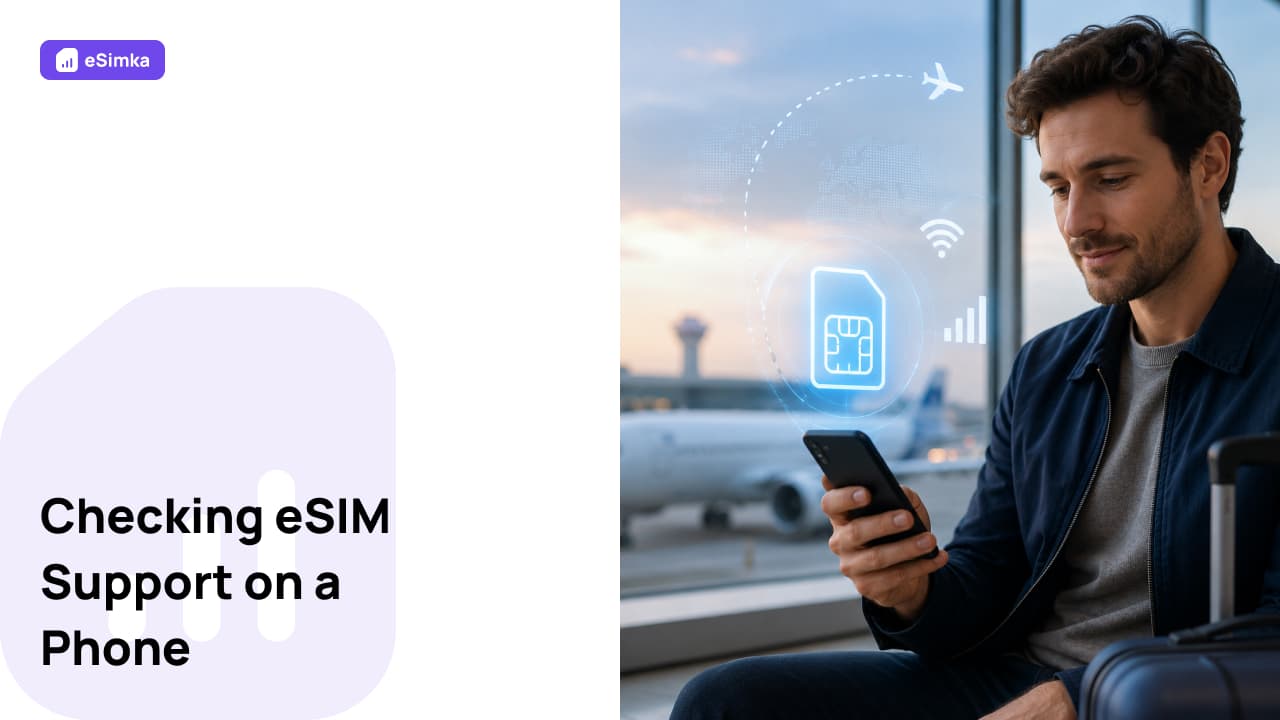
Checking eSIM Support on a Phone: How to Know Whether Your Phone Supports eSIM
Planning to use mobile internet while traveling from Moscow and want to know how to check whether your phone supports eSIM? Below are quick ways to check on iPhone and Android, a list of compatible device lineups, and activation steps. You will quickly understand whether your smartphone is ready for a digital profile for internet access abroad.
In Brief: What You Need to Know
- Open the settings and look for “Add Mobile Plan” — this is the main sign that the device has a built-in SIM.
- Check the EID under “About Device” — the presence of this number usually means eSIM support.
- Make sure the smartphone is not locked to a specific carrier and is updated to the latest firmware.
- For travel, use the profile only for mobile data and enable data roaming according to the instructions.
- Before purchase, choose a suitable package and validity period through “eSimka”; the start date rules are specified in the plan description.
What eSIM Is and How It Differs from a Physical SIM
eSIM vs. SIM: Advantages and Limitations
An electronic SIM is a chip inside the phone where a profile with a number and internet access is downloaded. It does not occupy a slot and allows you to store several profiles, select the active one, and switch without using plastic cards. Limitations depend on the model, sales region, and local carrier support, so always check the “Cellular” section in the system.
How to Check Whether Your Phone Supports eSIM
Checking Through iPhone and Android Settings
On iPhone: Settings → Cellular → Add Cellular Plan or “Add eSIM.” On Android: Settings → Connections → Mobile Networks → SIM Manager → “Add.” Menu names vary depending on the system version, but the presence of a profile-adding button is the key sign.
Checking by Device Model and Official Lists
Many flagship devices released in recent years have a built-in module: iPhone lineups since 2018, several Galaxy S/Note/Z models, and Google Pixel devices. Specific article numbers may differ by region, so check the exact model under “About Phone” and compare it with the manufacturer’s official documentation.
Checking by EID/IMEI: Where to Find the Data and How to Use It
EID is the serial number of the built-in SIM. Find it under Settings → About Device → Status, or use a USSD code that displays device information, if supported. If EID is present, the smartphone is usually ready to download a profile using a QR code or manual setup.
Checking with the Carrier and Manufacturer
If there is no profile-adding option in the menu, ask the manufacturer whether your device revision supports eSIM. For travel, it is also useful to check with local carriers whether they can activate an electronic profile on your device in the required country.
List of Devices with eSIM Support
iPhone and iPad
Many models released after 2018 are compatible, but functionality depends on the region and iOS version. Check for “Add Cellular Plan” in the settings.
Samsung Galaxy
Support is available on several S, Z, and Note models, although some versions for specific countries do not include a built-in SIM. Check “SIM Card Manager” in the menu.
Google Pixel
Most recent generations support a digital profile. Check whether the “Network & Internet” section includes an option to add a plan.
Huawei and Other Brands
Compatibility is available on some models and may depend on firmware. Check the device manual and the “Mobile Network” section in the system.
Watches, Tablets, and Laptops
Some watches, tablets, and ultrabooks have a built-in modem. Check for EID in the device system settings.
Important Compatibility Details
Locked Phones, Region, and Firmware
Devices locked to one carrier often block profile downloads. Update the software and confirm that the device is unlocked for all networks.
Roaming and Carrier Availability
Not every local carrier accepts a digital profile on a specific model. For internet access while traveling, use a profile from “eSimka” and enable data roaming according to the instructions.
How Many eSIM Profiles a Phone Supports; eSIM + Physical SIM
Some smartphones can store several profiles but activate only one. Combining eSIM with a physical card is usually possible; check “Default Lines.”
Dual SIM with eSIM: How It Works
You can assign one line for calls and the other for internet access. Set the data priority under “Cellular Data.”
Switching Between eSIM Profiles on iPhone and Samsung
Switching is done in the list of plans: select the required profile and mark it for mobile data. Changes are applied immediately.
Voice and SMS via eSIM: Availability
Voice services depend on the carrier being used. For travel, users usually choose an internet-only package.
Do You Need a Physical SIM to Use eSIM?
No. A digital profile works independently. If desired, keep your primary card for calls and incoming SMS messages.
One Number on Two Devices (TWIN/Clone): Is It Possible?
Support for such functions is determined by the carrier. For travel, a separate internet profile is usually used.
How to Connect an eSIM Through “eSimka”
- Select the destination country and travel dates in the service catalog.
- Choose an internet package by data allowance and validity period, based on maps, taxi apps, and messaging.
- Check smartphone compatibility through the “Add Plan” menu or by EID.
- Complete the connection process, and check 3-D Secure and the online payment limit in your banking app.
- Receive the QR code and installation instructions by email or in your account dashboard.
- Add the profile in the device settings and assign it to mobile data.
- Enable “Data Roaming” after arrival if necessary.
Activating eSIM After Checking Compatibility
Preparing the Device
Update the system, charge the phone to at least 30%, and connect to Wi-Fi. Open the “Cellular” or “Mobile Networks” section to add the profile.
Activation by QR Code, Manually, or Through a Carrier App
Scan the QR code, confirm the action, and wait for the profile to install. If necessary, add the APN from the instructions under “Access Points.”
Common Problems and Solutions
There Is No “Add eSIM” Option in the Settings
Check for updates, firmware region, and carrier lock. If the option does not appear, the model may not support an electronic profile.
EID/QR Code Errors
Check the EID and do not use low-quality screenshots. Restart the device and scan again while connected to stable Wi-Fi.
Carrier Lock or Regional Restrictions Prevent Activation
Ask the seller or manufacturer about the unlock status. In some cases, flashing official firmware for the correct region may help.
How to Disable or Delete an eSIM Profile
Open the list of plans and select “Delete” or “Disable Line.” Before deleting, make sure you have saved the QR code or data for reinstallation.
Conclusion: How to Quickly Know Whether Your Phone Is Ready for eSIM
Open the settings, find the plan-adding button, and check EID — this immediately solves the question of how to check whether a phone supports eSIM. For a trip in July 2026, connect a profile through “eSimka,” assign it to data, and enable roaming after arrival. If something goes wrong, the service support team will suggest the next steps.
FAQ
How Can I Know Whether My Smartphone Supports a Built-In SIM Without Using Model Lists?
Open the settings and look for the plan-adding option, as well as EID under “About Device.” These two signs provide the fastest answer without searching catalogs.
How Can I Check Whether an iPhone Supports eSIM and Where Is It Shown?
Open Settings → Cellular → Add Cellular Plan. If the option is there, the iPhone is ready to download a profile; if it is missing, update iOS and check the device region.
How Can I Check Support on Android If the Menu Is Different?
Look for “Mobile Networks,” “SIM Manager,” or search for “eSIM” in the settings. Options depend on the firmware version, but the presence of an add button indicates compatibility.
Do You Need to Enable Data Roaming for Internet Abroad?
Yes, a travel profile usually requires active data roaming. Enable it under “Cellular Data” after arriving in the destination country.
Can You Keep a Physical SIM for Calls and SMS?
Yes. Keep the primary card for voice services and assign the digital profile to mobile internet. This is convenient when traveling and does not interfere with incoming banking SMS messages.
When Does the Plan Validity Period Begin, and When Is It Better to Install the Profile?
The timing depends on the selected package; the countdown usually starts when the profile is activated on the destination country’s network. Install the profile in advance over Wi-Fi and enable data only after landing.