How to Turn Off Data Saver on Your Phone When Traveling with an eSIM
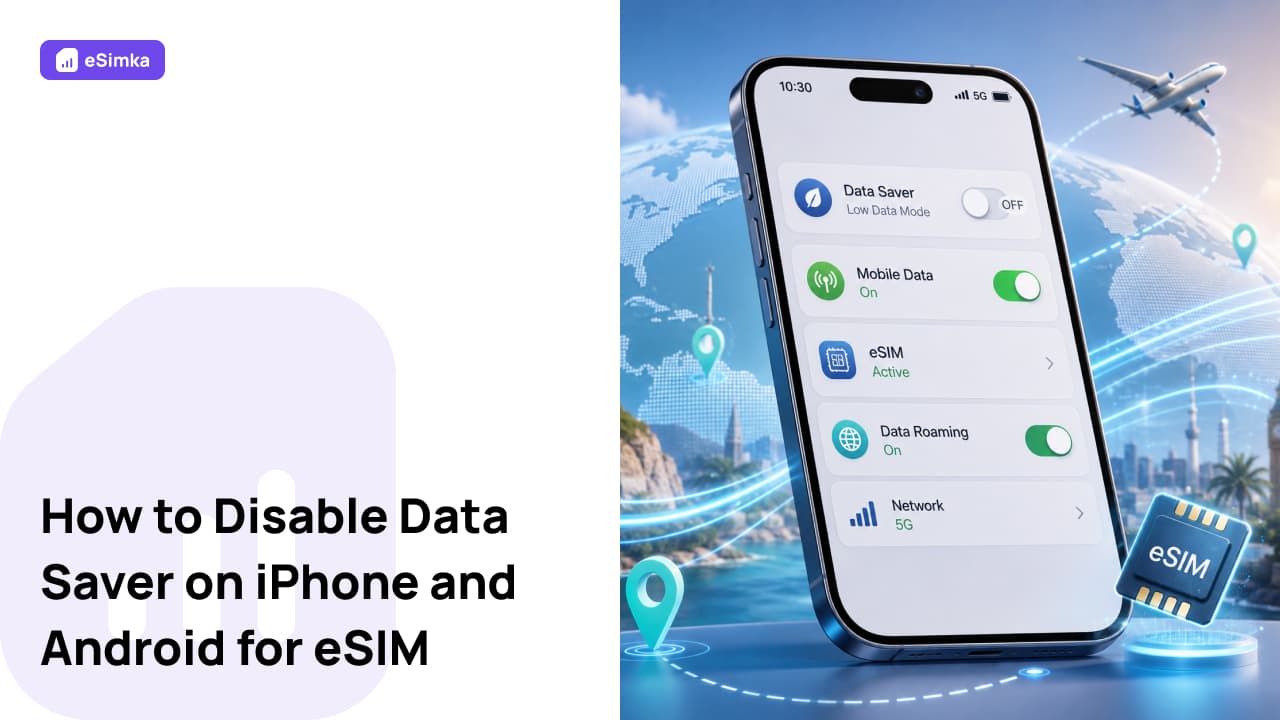
Data usage restrictions often block background processes, interfering with map loading and message delivery abroad. Turn off system limits on your phone before traveling so that mobile internet can operate at full speed.
Why Turn Off Data Saver When Traveling Abroad
How System Restrictions Affect Online Maps and Navigation Apps
When data saver is enabled, navigation services may be prevented from loading satellite imagery, traffic information, and map layers. The app tries to minimize mobile data usage, causing the map to freeze at the worst possible moment on an unfamiliar junction.
Delayed Notifications and Calls in Telegram and WhatsApp
Your smartphone stops receiving data packets in the background. Incoming calls and messages arrive only when you manually open the messenger app.
Problems with Internet Sharing in Hotspot Mode
Enabling data saver often disables the personal hotspot feature or reduces the connection speed of connected devices to a minimum.
Proper Activation and Stable Speeds for еСимка Data Packages
The еСимка service provides high-speed connectivity via QR code in more than 150 countries. For the profile to register correctly on a local carrier's network, mobile data must be transmitted without built-in operating system restrictions.
How to Turn Off Data Saver on iPhone and iPad
Turning Off Data Saver for an Active eSIM
Open iOS settings, go to the cellular settings section, and select the required profile. Switch off the toggle next to the data saver option.
Removing Data Restrictions for Wi-Fi Connections
Find your current Wi-Fi network in the list, tap the "i" icon next to it, and turn off data saver.
Configuring Background App Refresh in iOS Settings
In the main settings on your Apple iPhone, allow background app refresh over Wi-Fi and cellular networks so that essential services can operate continuously.
Instructions for Turning Off Data Saver on Android
Settings on Google Pixel Smartphones and Stock Android
Open the Network & Internet section in Android settings. Go to the data usage section and turn off Data Saver.
Turning Off Data Saver on Samsung Devices with One UI
Open the Connections section, find Data usage, and disable the data saving feature.
Removing Restrictions on Xiaomi, Redmi, and POCO Smartphones Running HyperOS
Open the built-in Security app, find the data usage section, and reset the configured restrictions.
Mobile Data Settings on Honor and Huawei Smartphones
Open your smartphone's mobile network settings, check data usage, and turn off data saver for the SIM slots you use.
Disabling Mobile Data Limits and Usage Warnings
Open the warning settings and disable the daily gigabyte limit so that your phone does not interrupt the connection when the limit is reached.
Turning Off Built-In Data Saving Features in Apps
Google Chrome and Yandex Browser
In your mobile browser settings, turn off page compression and simplified browsing mode.
Google Maps and 2GIS Navigation Services
Open the navigation app settings and disable the Wi-Fi-only download option so that mobile internet can load maps while you travel.
Music and Video Streaming Platforms
In the service settings, select the original audio and video quality instead of automatically reducing the bitrate.
How Travelers Can Monitor Internet Usage Without Strict Restrictions
Checking Smartphone Compatibility with Virtual SIM Cards Before Traveling
Before purchasing a package, review the technical specifications and make sure your devices support eSIM.
Comparing Data Packages and Unlimited Plans for International Travel
Consider the length of your trip: a fixed amount of data is enough for a short vacation, while an unlimited plan is more practical for remote work.
Tracking Your Remaining Data Through the еСимка Account
Monitor your remaining data through your еСимка account so that you do not have to enable system-level restrictions on your smartphone.
Frequently Asked Questions (FAQ)
What Should You Do If There Is No Data Saver Button in the Data Usage Menu?
On some smartphone firmware versions, this option is located in the settings for the selected SIM card or in the battery settings. Simply enter "data usage" in the system menu search bar.
How to Enable or Disable Automatic App Updates over Mobile Data
In the App Store or Google Play, open your profile settings and select the conditions for automatic updates: over any network or exclusively over Wi-Fi.
Does Turning Off Data Saver Affect Battery Drain While Roaming?
Yes, battery consumption will increase because email, messengers, and location services will access the network more frequently in the background.
Why Is Mobile Internet Abroad Slow Even After Turning Off Data Saver?
The cause may be a weak base station signal, an active VPN connection, or the need to manually select a partner network.