eSIM Not Working Abroad: Causes and Solutions
What to check if your eSIM is installed but mobile internet is not working: mobile data settings, data roaming, APN, network selection, activation status, and smartphone settings.

Sometimes an eSIM is installed successfully, but mobile internet does not work abroad. In most cases, the issue is not with the eSIM itself but with the device settings: the eSIM is not selected for mobile data, data roaming is disabled, the device has not connected to the correct network, or manual APN configuration is required.
Before contacting customer support, it is worth performing a few basic checks. In many cases, internet access starts working after selecting the eSIM for mobile data, enabling data roaming, and restarting the device.
Check Whether the eSIM Is Selected for Mobile Data
If your phone has multiple SIM cards installed, it may still be using your primary SIM card for mobile data instead of the eSIM.
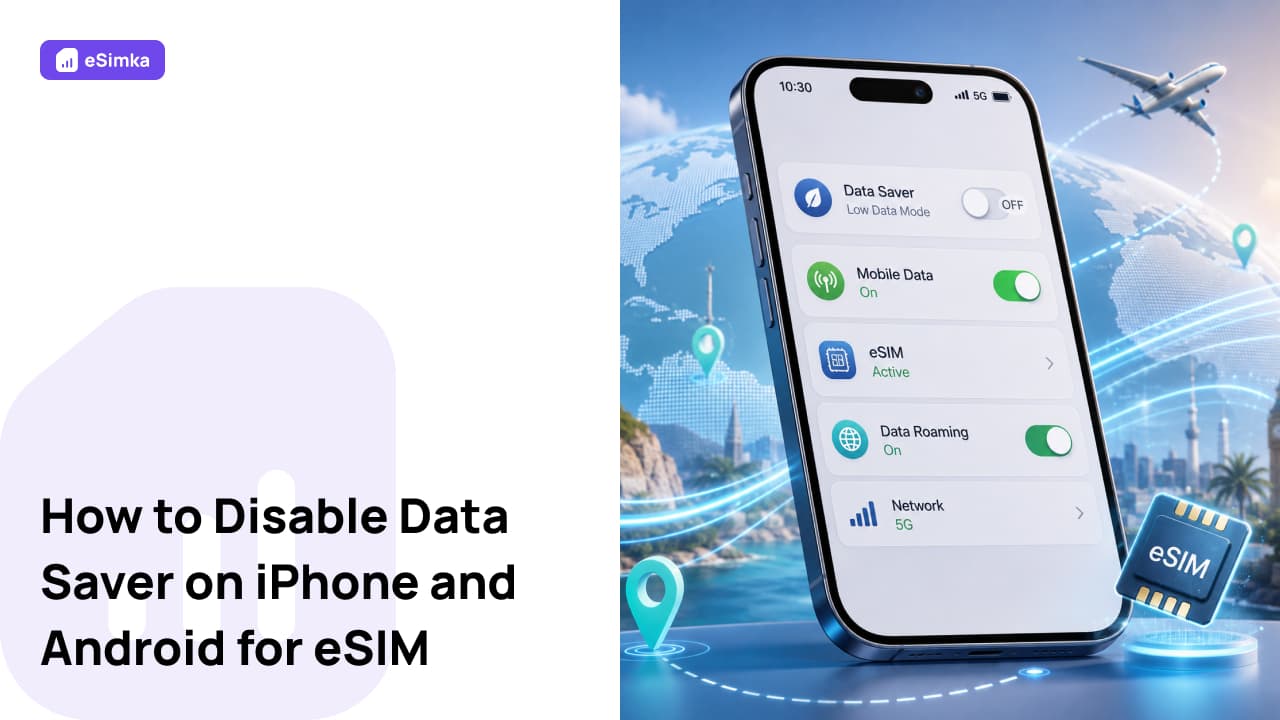
Check your mobile data settings and make sure the eSIM is selected as the active data line.
On iPhone:
Settings → Cellular → Cellular Data
On Android, the exact menu path may vary depending on the device manufacturer.
After selecting the eSIM, try opening a website or app that requires internet access.
Enable Mobile Data
Even if the eSIM is installed correctly, internet access will not work if mobile data is turned off.
Make sure that:
- mobile data is enabled;
- Airplane Mode is disabled;
- the device is registered on a mobile network.
After changing the settings, wait a few minutes for the device to reconnect to the network.
Enable Data Roaming
This is one of the most common reasons why eSIM internet does not work abroad.
Most travel eSIMs operate through partner carrier networks, which means data roaming must be enabled for the connection to work.
Check that:
- data roaming is enabled for the eSIM profile;
- the settings have been saved correctly;
- the device is connected to an available network.
Enabling data roaming for an eSIM does not mean you will be charged by your home carrier when using a separate travel eSIM profile.
Check APN Settings
Some eSIM providers require manual APN configuration.
If your internet connection is not working after activation:
- Open your mobile network settings.
- Navigate to the APN section.
- Compare the current settings with the instructions provided by your eSIM provider.
- Make any necessary changes and save them.
Incorrect APN settings can completely block internet access even when the device shows a network signal.
Select a Network Manually
Sometimes the smartphone connects to the wrong network or cannot automatically select the correct carrier.
In this case:
- Open your mobile network settings.
- Go to the network operator section.
- Disable automatic network selection.
- Try manually selecting one of the available networks.
After connecting, check whether mobile internet is working.
Restart Your Phone
After installing an eSIM, changing APN settings, or enabling data roaming, it is recommended to restart your device.
A restart can help:
- refresh network settings;
- reconnect to the carrier network;
- complete eSIM activation;
- resolve temporary connection issues.
In many cases, internet access starts working immediately after a reboot.
Check Plan Validity and Remaining Data
If your internet connection stopped working after some time, the issue may be related to an expired plan or exhausted data allowance.
Check:
- the validity period of the eSIM;
- your remaining data balance;
- the profile status in the provider’s app or account dashboard;
- whether your plan is still active.
If the package has expired or all data has been used, you may need to purchase additional data or activate a new plan.
When Should You Contact Support?
If you have checked all major settings and the internet is still not working, it is time to contact your eSIM provider’s support team.
Before reaching out, prepare:
- your order number or eSIM ID;
- your device model;
- your current country or location;
- screenshots of your eSIM settings;
- information about the selected network and any error messages.
The more details you provide, the faster the support team can help resolve the issue.
FAQ
Why does my eSIM show a signal but the internet does not work?
The most common reasons are disabled data roaming, incorrect APN settings, or the wrong SIM being selected for mobile data.
Do I need to enable data roaming for an eSIM?
For many travel eSIM plans, yes. Data roaming is required to connect to partner carrier networks abroad.
Can APN settings block internet access?
Yes. Incorrect APN settings are a common cause of mobile internet connection issues.
Will restarting my phone help?
Yes. After changing network settings, restarting the device is recommended so it can reconnect properly to the network.
Why did my eSIM work before but stop working later?
Possible reasons include an expired data package, depleted data allowance, or temporary issues with the carrier’s network.
When should I contact support?
If mobile data is enabled, data roaming is turned on, APN settings are correct, and the internet still does not work, you should contact your eSIM provider’s support team.