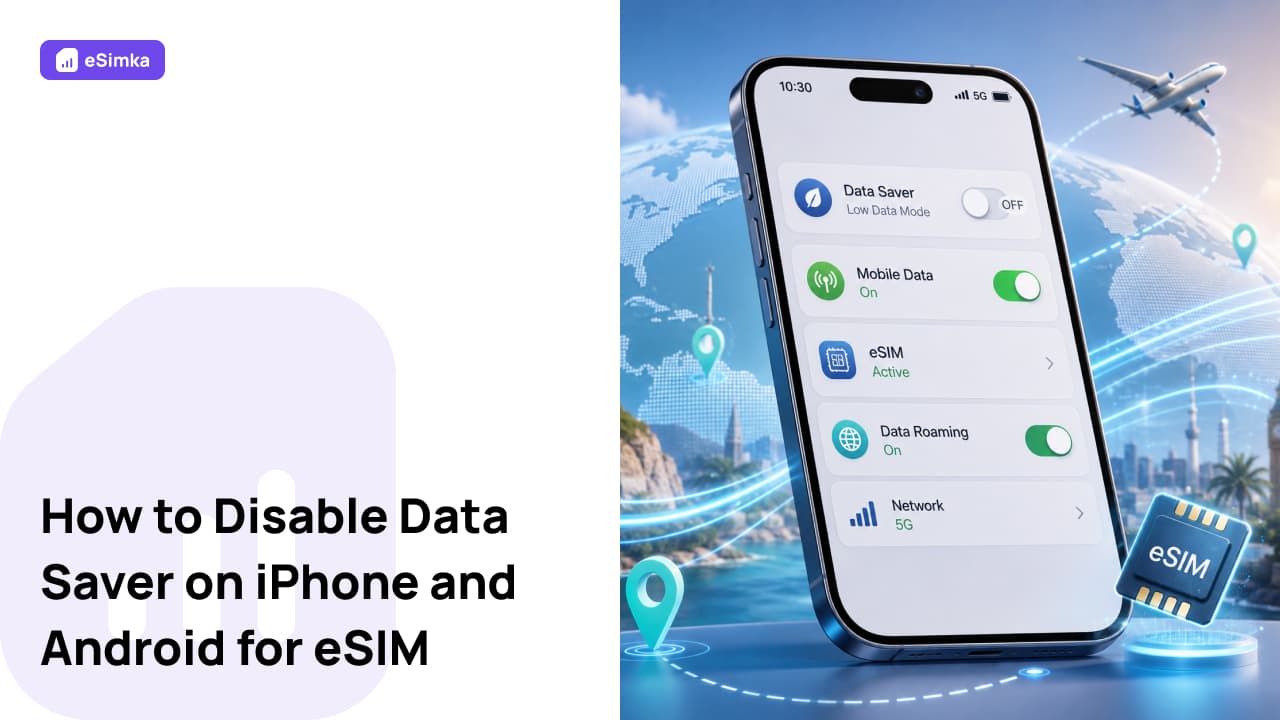
eSIM Activation Failure on iPhone: Causes and Step-by-Step Solutions for Travelers in 2026
Can't scan the QR code before departure or right after landing? eSIM activation errors on iPhone can occur because of network restrictions, server issues, or incorrect cellular settings.
What to Check Before Buying and Installing a Travel eSIM
Checking iPhone Model Compatibility and Device Region
The technology works with Apple smartphones starting with the iPhone XS and XR lines. The exception is devices for mainland China, Hong Kong, and Macao with two physical nano-SIM cards: the digital chip is hardware-disabled on these devices. You can check the model number by going to “General” — “About”.
How to Check for a Carrier Lock in iOS Settings
To connect to any network, your smartphone must not be locked to a specific provider. In the “Settings” menu, go to “General” — “About” and find the “Carrier Lock” line. If it says “No SIM restrictions,” you can install an eSIM normally. If the device is locked to a specific mobile carrier, downloading a third-party eSIM profile will be blocked.
Internet Connection Requirements When Downloading the Profile
To download the profile, you need a stable Wi-Fi connection or a reliable cellular connection. A weak signal on public networks often interrupts the session, which can cause an installation error.
Main Causes of the “Unable to Activate eSIM” Error on iOS
Technical Limitations: Exceeding the Active Digital SIM Limit
An iPhone can store between 8 and 10 virtual numbers, but only 1 or 2 profiles can be active at the same time, depending on the model. When the limit is reached, the process is interrupted — the system reports that no suitable eSIM data was found on the iPhone. Disable unused profiles in advance to free up a slot for the new plan.
QR Code Scanning Errors and SM-DP+ Server Failures
When downloading the encrypted certificate, the device connects directly to the mobile carrier's SM-DP+ server. A blurry image on the screen or a brief failure of the remote gateway immediately stops the iPhone eSIM activation process.
Trying to Activate a Regional Plan Before Arriving in the Destination Country
Many travel plans are registered exclusively through local network towers abroad. Trying to activate such a plan at home can cause the profile to remain in activation for a long time and eventually display “Activation Failed.” With the eSimka service, you can safely install the profile at home in advance using the QR code, while registration on the local network will begin automatically as soon as the plane lands.
iOS System Failures and Temporary Issues with Apple Servers
Sometimes Apple's server activation service is temporarily overloaded after a major iOS update is released. In such cases, cellular service may not be linked to the device on the first attempt. A simple 15–20 minute pause can help.
Step-by-Step Guide: How to Fix an eSIM Activation Failure
Switching to a Stable Wi-Fi Network and Disabling the System VPN
Go to the network settings and temporarily disable active VPN clients and third-party traffic filters. To activate the eSIM without losing data packets, switch to a home Wi-Fi network with a stable signal.
Manually Entering the SM-DP+ Address and Activation Code Instead of Scanning
If the camera cannot scan the code, tap “Enter Details Manually.” Copy the SM-DP+ server address and activation code from the email and enter them in the corresponding fields. Do not fill in the confirmation code field: leave it empty unless the mobile carrier requires otherwise.
Restarting the Smartphone and Forcing a Carrier Settings Update
A regular restart clears the cache: during network failures, it is useful to restart the device periodically. Then go to “General” — “About”. If updated carrier settings are available, iOS will automatically offer to install the update.
Resetting Network Settings on iPhone Without Losing Personal Data
If the eSIM still does not work, go to “Settings” — “General” — “Transfer or Reset iPhone” — “Reset” — “Reset Network Settings”. The phone will reset Wi-Fi passwords and Bluetooth pairings, eliminating network issues and helping restart the cellular module.
Solutions to Common Connectivity Problems Abroad
What to Do if the eSIM Profile Remains Stuck on “Activating”
Do not delete the profile from the device. The “Activating” indicator simply means that the device is trying to find a signal from a cellular tower. Turn on Airplane Mode for 10 seconds and then turn it off. Make sure “Turn On This Line” is enabled in the cellular data menu.
“SOS Only” Error and No Cellular Signal After Landing
Go to the settings for the installed SIM in the “Cellular” menu and disable automatic network selection. Select the network manually: the list of partner carriers for your plan is provided in the purchase instructions.
Configuring APN, Access Point, and Data Roaming Settings
Open the settings for the added profile and make sure the “Data Roaming” toggle is enabled. Then open the “Cellular Data Network” section and enter the APN settings from the provider's instructions. Without these settings, mobile internet access will not be available.
Frequently Asked Questions (FAQ)
Do I need an internet connection to install an eSIM profile for the first time?
Yes, you cannot start the setup without an internet connection. The device needs a reliable Wi-Fi connection to download the profile file from the remote server.
When does the purchased data package start working?
The package validity period starts not from the purchase date, but from the date of the first connection to a local carrier's cellular tower.
Can I use the same QR code on two different devices?
No, the security certificate is generated specifically for the chip of one particular smartphone. It is technically impossible to activate an already scanned code on another device.
What happens to the plan if the activation process is interrupted by an error?
The paid data package will remain available. Repeat the setup when the network signal is stable or enter the settings manually.
Can I restore an eSIM on iPhone after deleting it?
Such profiles are almost always single-use: once you delete an eSIM from the device, it cannot be restored. If the connection does not appear, do not rush to delete the settings: first contact your carrier or eSimka support service.
Is it allowed to share mobile internet using Personal Hotspot abroad?
Yes, any such plan allows you to freely share internet with a laptop or tablet without speed restrictions.
How many days before departure is it best to purchase a virtual SIM?
It is best to purchase the number 1–2 days before the trip: install the profile at home, and the connection will activate automatically as soon as you land.