How to Hide Your Phone Number When Calling in 2026
If you learn how to hide your phone number before making calls, your personal details will stay out of spam databases after one-time contacts with couriers, hotels, and overseas car rental companies. You can enable caller ID blocking through your phone settings or mobile carrier in just a few minutes.
Hiding Your Number Through Mobile Carrier Services and eSIM
The most common way to hide your details on outgoing calls is to use a network service called Caller ID Blocking. Simply submit a request through your carrier's account, and the network switch will stop transmitting your caller ID to the phones of people you contact. Here's how call processing works at the network node: your details are masked directly within the signaling protocol. However, carriers often charge a fee for activating this feature, and your home carrier may even block caller ID restrictions while roaming due to the rules of partner networks.
For travel, it makes sense to separate your communication channels. The eSimka service offers profiles for 150+ countries. You can pay for a plan with a Russian bank card, and a QR code arrives immediately after purchase. Installation takes a couple of minutes, and there is no need to visit a mobile store. Your home SIM card will continue receiving banking verification codes, while your eSIM data allowance can be used for internet-based calls to local taxi or booking services.
Setting Up Anonymous Calls in Your Smartphone Settings
You can manage caller ID transmission on modern phones through the system menu without contacting your mobile carrier's support team. If the network restriction does not work on the first attempt, check whether the Caller ID Blocking service is active on your plan. The toggle in your phone settings simply sends a command to the carrier; it does not encrypt your traffic by itself.
Before learning how to hide your phone number when making a call, check the following settings:
- Open your carrier's app and check whether caller ID blocking is enabled for your SIM card.
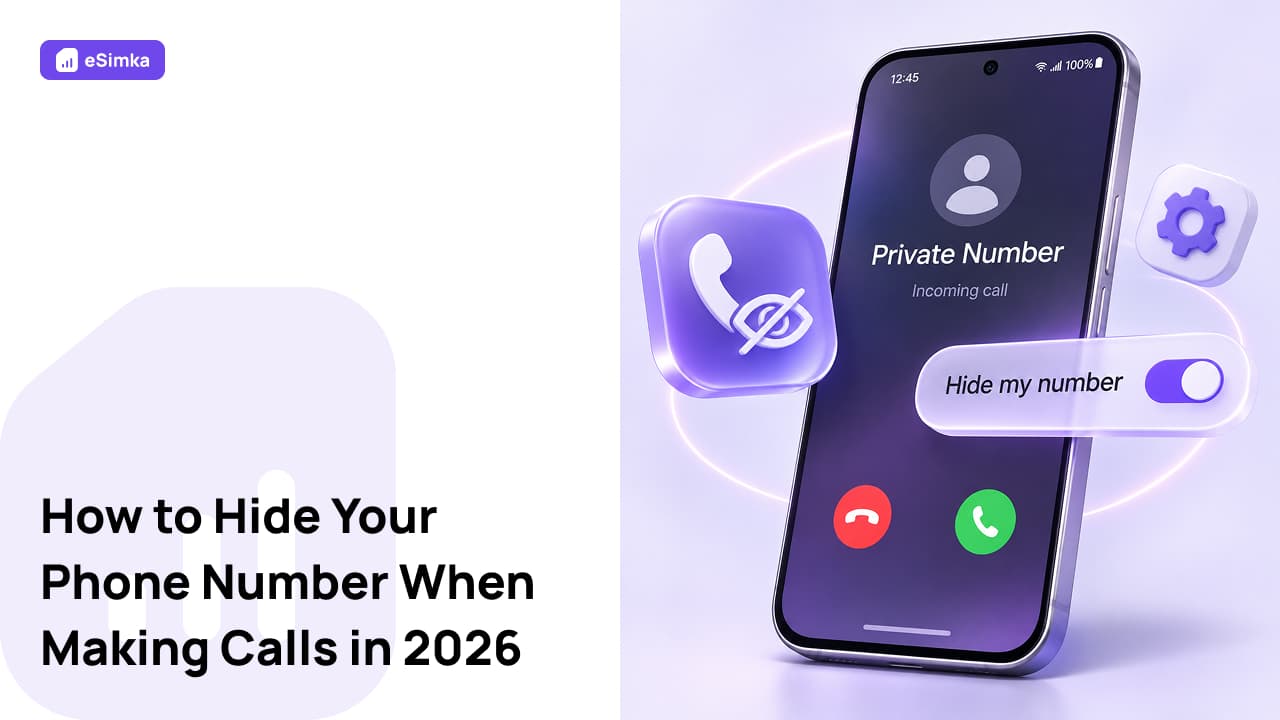
- Turn off caller ID display in your phone settings. To test it, call your second phone or a friend: the screen should display "Private Number" or "Unknown".
You can restore the standard settings later with a single tap. Keeping anonymous calling enabled all the time is impractical: many banks and medical clinics automatically reject calls from hidden numbers.
Frequently Asked Questions (FAQ)
What Code Can You Use to Hide Your Number on an Outgoing Call?
To make a one-time call without revealing your number, enter the prefix #31# on your phone, followed immediately by the contact's number in international format, including the plus sign and country code. This combination works for one specific call.
How Can You Hide Your Phone Number When Calling From an iPhone?
You can hide your number on an iPhone using the built-in toggle in iOS settings: open Settings, go to Phone, select Show My Caller ID, and turn off the switch. If the toggle is greyed out, it means your mobile carrier has blocked changes to this option at the network level.
How Do You Manage Caller ID on Samsung Galaxy and Other Android Smartphones?
Here's how to enable this option on Android. First, open the default Phone app, tap the three dots in the corner of the screen, and go to Settings. Samsung users need the Supplementary Services section, while devices running standard Android have a Calls accounts menu. Under Caller ID, select Hide number. You can also disable this option in the same section to restore your previous network settings.
How Can You Hide Your Phone Number in Telegram and WhatsApp?
In Telegram, open Settings on your phone, go to Privacy and Security, and select Phone Number. If you choose Nobody, other users will only be able to see your username. WhatsApp is closely linked to your phone's address book, so complete anonymity is not possible there: you can only hide your status and profile photo from other people.
Why Should You Hide Your Phone Number When Traveling and in Everyday Life?
From a digital privacy perspective, it is better to keep your personal and public communication channels separate. Knowing how to make a call with a hidden number when contacting an airport information desk or delivery service helps prevent your personal contact details from ending up in advertising databases. A filtering failure at another company's PBX will not result in your number being exposed either. However, manually hiding your number before every call can become tedious. For regular communication, it is more convenient to purchase a separate internet package for messaging apps, where privacy settings automatically filter out calls from unknown numbers.