How to Check Data Usage on Android and Manage Your Data While Traveling
When you're abroad, every megabyte counts. Before you leave, learn how to check data usage on Android and restrict background downloads. Keeping track of your usage will help prevent your internet package from running out on the very first day of your vacation.
How to Check Mobile Data and eSIM Usage in Android Settings
The operating system tracks usage separately for physical SIM cards and digital profiles. To find where to check internet data usage on Android, open the network settings and switch to the active travel line.
Instructions for Samsung Galaxy, Google Pixel, and Motorola Smartphones
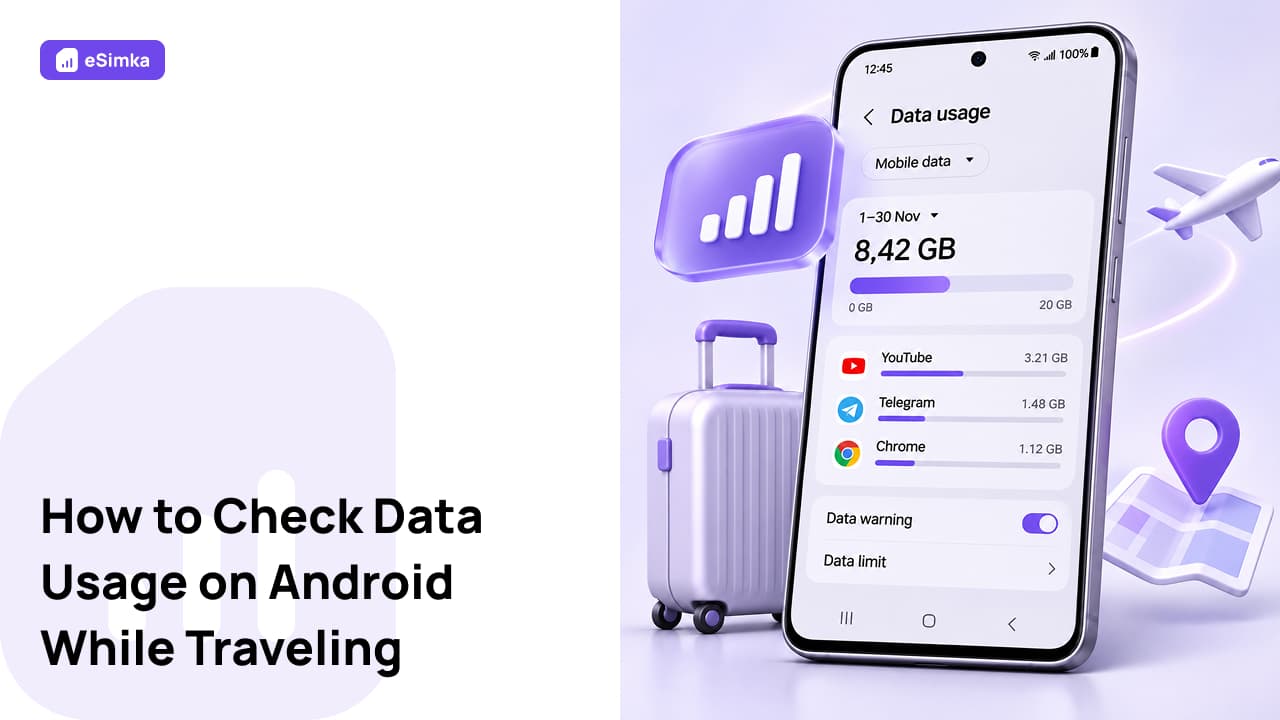
Samsung device owners can open "Connections," go to "Data usage," and view a detailed graph for each line. On Pixel phones running stock Android and on Motorola devices, first tap "Network & Internet" and then select the profile of the required carrier. You can also check how to view internet data usage on an Android phone for a specific billing cycle in this section.
Data Usage Statistics on Xiaomi, Poco, and Realme Devices
On Redmi and POCO devices running MIUI and HyperOS, the built-in data counter is available in the system "Security" app. Launch it, tap the "Data usage" icon, and open the "Statistics" tab to check Xiaomi Android data usage by day or month. Realme users can find a similar report in the "Mobile network" menu.
Third-Party Apps from Google Play: Data Monitor and NetGuard
Built-in monitoring tools sometimes round usage figures. If you need to check Android data usage down to the kilobyte and prevent background processes from accessing the network, download the Data Monitor utility or NetGuard firewall from Google Play.
How to Calculate Your Travel Data Package and Set Usage Limits
A week before your departure, check your Android phone's data usage during your usual daily routine and divide the resulting figure by four, assuming you won't watch videos while traveling. You can pay for a suitable plan covering 150+ countries with a Russian bank card on the eSimka platform. Your profile will arrive as a QR code within a couple of minutes, so there's no need to visit a mobile carrier store. Set a strict data limit in your smartphone's settings right away — once the threshold is reached, the device will automatically turn off mobile data.
Pre-flight checklist for setting up data monitoring:
- Turn on "Data Saver" in your network settings. This will pause photo library synchronization.
- Looking for a way to reset or clear old data counter figures? Simply change the start date of your billing cycle to your arrival date, and the previous statistics will reset automatically.
- Set a data usage warning at a threshold 500 MB below the size of your package.
Frequently Asked Questions (FAQ)
Which Apps Use the Most Mobile Data?
Video platforms, cloud storage services, and messaging apps with automatic media downloads enabled account for the highest data usage. Check the app list directly below the graph to see where your data is going and easily identify the app that consumes the most.
Why Does Data Usage Continue Even After I Block Apps from Using Mobile Data?
The operating system reserves part of the network capacity for its own tasks. Restrictions on third-party apps don't apply to Google Play services, location services, or the module that checks for security updates. These services continue exchanging data with servers in the background.
How Can I Check Wi-Fi Data Usage Statistics on My Smartphone?
Go to the "Data usage" section and scroll down to the "Wi-Fi data" entry. Now you know how to check Android data usage for home and hotel wireless networks over the last thirty days.
Can Samsung Phones Display Current Download Speeds in Real Time?
The standard One UI interface doesn't include a built-in speed indicator in the status bar, so you'll need to download a utility such as Internet Speed Meter from Google Play.
What Do Incoming and Outgoing Data Usage Figures Mean in Statistics?
Beginners are often confused by the term "data usage on Android" — what does it mean in practice, and how is it represented in carrier reports? Incoming data includes all opened web pages, maps, and received messages. Outgoing data covers voice messages, photos, and technical requests sent from the smartphone to the cell tower. The carrier's billing system adds both figures together.