Roaming in Egypt in 2026: Comparing Plans and Setting Up Internet
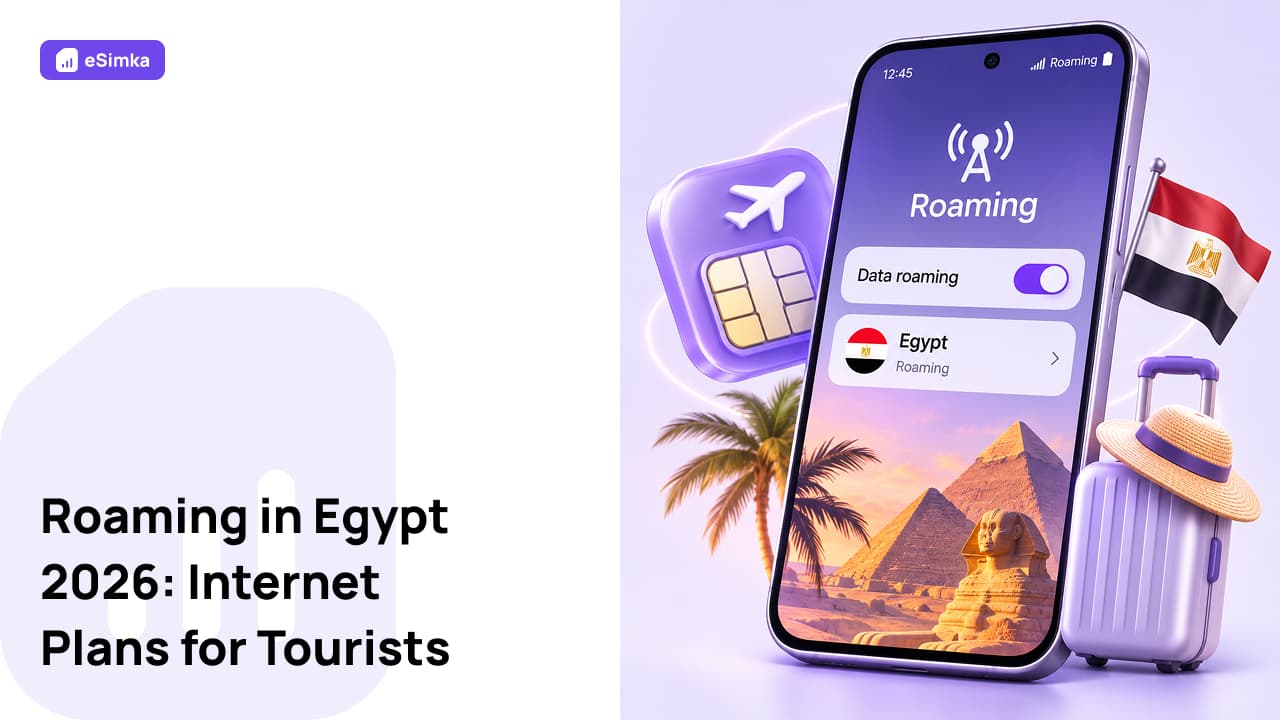
The plane lands by the Red Sea, you turn off airplane mode — and immediately need to order a taxi or message your family. To avoid draining your balance within the first few minutes after landing, choose a connection method and set up roaming in Egypt while you are still at home.
Comparing Mobile Internet Options for Tourists
For staying connected in Egypt in 2026, travelers have three options: a package from their home carrier, a digital eSIM, or a physical SIM card from a local Egyptian carrier. We will not consider hotel Wi-Fi. The free signal at the reception desk constantly disappears, and there is no access to it at the beach or near the pyramids.
Standard roaming in Egypt is convenient because your primary number continues to receive incoming calls and bank verification codes. The downside is the price: over two weeks, daily package charges from Russian carriers can add up to a significant amount, while high-speed data is strictly limited. A local physical SIM card provides a large data allowance, but you will have to spend time at the airport registering with your passport and replacing the SIM tray in your smartphone.
A virtual card saves both time and money. The traveler only needs to buy a travel data package before departure: the home SIM remains in the phone for incoming SMS, while the internet is already working on the runway. To decide which roaming option in Egypt is more cost-effective for your trip, consider the length of your vacation and your usual data consumption.
Roaming Conditions in Egypt for Russian Carriers
Major Russian companies have long stopped using default per-megabyte billing in popular resort destinations. Operators now offer daily or monthly options that are activated when you first connect to a network or make a call.
MTS and MegaFon Roaming Options
MTS and MegaFon subscribers use basic international options where charges are applied only on days when the connection is actually used. For a fixed daily fee, the subscriber gets around 1 GB of high-speed data. Once the limit is used, the speed drops to 128 Kbps and stays at that level until midnight. This speed is enough for text messages, but photos in a feed will no longer load.
Call minutes are purchased as separate packages. Before departure, open your carrier's mobile app and check which services are enabled on your account. On older archived plans, the basic international roaming option may be disabled. In that case, the phone's first background connection to the network will be charged at an expensive per-megabyte rate.
Beeline and T2 Data Packages
Owners of Beeline and Tele2 SIM cards (operating under the T2 brand) can also activate daily internet packages or buy a fixed amount of data for a week or month in advance. The process is simple: choose the required amount in your account, pay from your phone balance, and use the data without daily limits.
How do you set up roaming in Egypt with these providers? Enable the international service through the mobile app one day before departure while your internet connection is stable. An important technical detail: a day in international roaming options is calculated according to Moscow time or the time zone of your home region, not Cairo time.
Roaming from Bank-Backed Mobile Operators: T-Mobile, Gazprombank Mobile and SberMobile
Abroad, virtual mobile operators (MVNOs) work through partner networks of major telecommunications companies, so their roaming in Egypt uses the same Egyptian mobile towers. The difference is how their service packages are structured. The T-Mobile and SberMobile apps work like a configurator: you can choose 1 GB or 5 GB for the entire vacation, or pay for unlimited access to maps and messaging apps only.
Bank-backed mobile network subscribers can often get lower connection costs through a subscription or loyalty-program bonuses from their bank. Before boarding the plane, check your profile settings. Some virtual providers have international roaming disabled by default: you need to enable it manually in the app through the security section.
Travel eSIMs from eSimka as an Alternative to Roaming
The eSIM chip built into a device replaces a physical card and allows you to store several profiles for different countries on a single smartphone. The purchase is completed online through the eSimka website (esimka.ru / esimka.io), so there is no need to visit a mobile carrier store.
Data Package Prices and Payment with Russian Cards
Payment for international data on foreign platforms can be complicated by payment-system restrictions, while the eSimka website accepts cards from Russian banks. The amount is charged in rubles, with no currency conversion fees.
The tariff lineup includes packages for different durations and data needs: from short options for a couple of days to large allowances for 30 days and unlimited plans. Immediately after payment, a QR code for downloading the profile is sent by email. Choose a data allowance based on your usual consumption: unused gigabytes expire after the trip.
Checking Smartphone Compatibility with a Virtual SIM Card
Digital profiles are supported on Apple smartphones starting with the iPhone XS and XR, as well as on most flagship and mid-range models from Samsung, Xiaomi, Google Pixel and other brands no older than 2020. You can check whether your phone has the required module in ten seconds without searching for specifications online.
Open the dialer and enter the service code *#06#. If a long EID number appears on the screen alongside the regular IMEI codes, the phone supports downloading digital cards. An exception is devices intended for the mainland Chinese market, as well as some versions from Hong Kong and Macao: they have trays for two physical cards, while the eSIM chip is software-blocked.
Step-by-Step Guide to Installing and Activating an eSIM Profile
Install the profile at home or at the airport before departure: the device needs network access to download the configuration. Setup takes a couple of minutes, and you do not need to remove your primary SIM card.
- On the eSimka website, select the country, choose a suitable plan, and pay for the purchase with a Russian bank card.
- Open the email containing the QR code on a laptop or tablet screen, or print it on paper.
- Open the smartphone settings and go to the cellular section (or SIM manager on Android), then tap the button for adding a new cellular plan.
- Point the phone's camera at the QR code and wait for the profile data to finish downloading.
- Give the new line a clear name — for example, "Egypt" — so you do not confuse it with your home number.
- Keep the Russian SIM enabled for incoming calls and SMS, but force mobile data to be disabled on that line.
- After landing, enable the eSIM profile, select it for mobile internet, and turn on the "Data Roaming" toggle in the settings for that line.
Buying a Prepaid SIM Card from Local Carriers
When a device accepts only physical cards and roaming in Egypt through the home network is too expensive, the remaining option is to buy a starter package from a local company. Egypt's telecommunications market is divided among four major operators.
Vodafone, Orange, e& Egypt and WE Plans
Tourists most often choose between Vodafone, Orange, e& Egypt (the operator was called Etisalat before its rebranding), and the state-owned provider WE. All four networks sell special tourist plans valid for 14 or 30 days.
Data is calculated according to a non-standard system, which often confuses visitors. Local operators list internal units for data usage on starter-package boxes instead of familiar gigabytes: units, flexes, or megabytes with coefficients. For example, watching video or downloading files from regular websites consumes two internal units for 1 MB of actual data. Text messaging in messaging apps, however, is charged at a one-to-one rate. The easiest way to check the exact remaining allowance is through the mobile company's official app. Download it from the App Store or Google Play before your trip.
SIM Card Registration at Cairo, Hurghada and Sharm El Sheikh Airports
Mobile carrier counters operate directly in the arrivals hall — immediately after passport control and baggage claim. You only need your passport. An employee will scan the identification page, take your photo, and register the SIM card using these details.
Do not leave the counter until you have checked the connection: the seller should enter the command to activate the package, after which you should try opening any website in a browser. When charter flights arrive, the lines at the counters can stretch for 30–40 minutes. Local sellers also often push expensive plans, claiming that cheaper starter packages have already sold out. Keep in mind that when buying at Cairo or Hurghada airports, the full package allowance can sometimes be credited to the number with a delay of up to two hours.
Network Coverage and Internet Speed at Red Sea Resorts
Fourth-generation networks provide reliable coverage across resort areas, major cities and the main roads along the coast. At hotels, beaches and waterfronts, connection speeds are sufficient for streaming video without interruptions and uploading large files to the cloud.
- When roaming in Egypt is enabled in Hurghada or you travel to nearby Makadi Bay and El Gouna, the smartphone automatically selects the base station with the strongest signal. Most often, these are Vodafone or Orange towers.
- When using roaming in Egypt in Sharm El Sheikh, the signal remains reliable along the entire coast — from Naama Bay to Nabq Bay. However, when going out to sea toward Tiran Island or taking a jeep safari deep into Sinai, the network can drop to 3G or disappear completely. Mountains interfere with the signal, while there are simply no towers in the desert.
If you plan to travel around the country, a travel eSIM and standard roaming are more reliable than local SIM cards: they help tourists stay connected continuously. A local card is tied only to the towers of its own network. A roaming number, however, can switch between different Egyptian providers if one of them has no signal in a neighboring bay.
How to Control Data Usage and Avoid Unexpected Charges
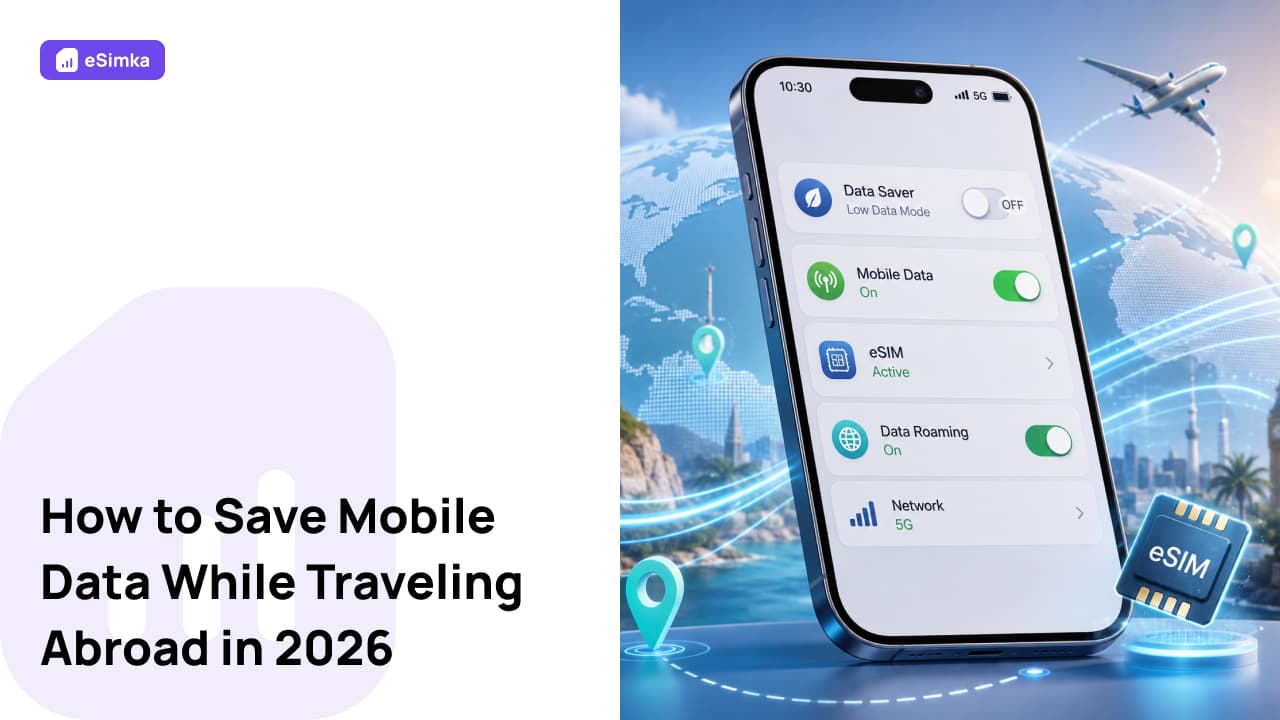
A vacation internet package is used up fastest by background system updates and cloud uploads. By default, smartphones do not conserve data, and when connected to someone else's hotspot, they can start background synchronization and consume several gigabytes within a couple of hours. Before departure, disable background data usage in your phone settings.
- Turn on Low Data Mode on iOS or Data Saver on Android. This prevents the system from updating files in the background without your involvement.
- Disable automatic uploads of photos and videos to iCloud, Google Photos and other cloud services over the mobile network — allow data transfer only over Wi-Fi.
- In the App Store and Google Play, disable automatic app updates, and turn off autoplay for videos in social media feeds.
If your primary Russian SIM card is kept for incoming calls and bank SMS while your internet connection is configured through an eSimka profile, firmly assign mobile data to the second line and disable automatic cellular data switching. Even when mobile data is turned off, some smartphones still send short service packets to a fourth-generation network when registering with a base station. If an international package is not attached to the plan, the home carrier may treat such a technical request as internet access and charge the full daily service fee. To prevent accidental charges on the primary number, force the home SIM into 2G/3G mode or completely disable data roaming for it.
Frequently Asked Questions (FAQ)
Why don't WhatsApp calls work in Egypt?
Egyptian providers restrict voice and video calling protocols over the internet (VoIP) at the network equipment level to protect revenue from regular telephone calls. At the same time, text messaging, photo and document sharing, and voice messages in messaging apps work without delays on any SIM card. To make audio and video calls over the internet, turn on a VPN before dialing. Another option is to use standard roaming in Egypt from your home carrier, where traffic is routed through Russian servers and bypasses local restrictions.
Do I need to register my phone in Egypt?
Since 2025, Egypt has required customs registration of mobile phones by IMEI. However, tourists arriving for two weeks or a month do not need to submit an application. Tourists only need to insert a local SIM card or activate a travel eSIM on their smartphone. No duties or customs declarations are required for this. Phone registration and tax payments are required only for those who stay in the country long-term and use local mobile service beyond the visa-free period.
Will my messenger number remain the same when switching to an eSIM?
Yes, your accounts in Telegram, WhatsApp and other apps will remain linked to your Russian number. You will not need to change any settings.
Can I share internet from the package?
Almost all eSimka travel plans support tethering. To share data with a laptop or another phone, travelers only need to enable Personal Hotspot in the settings. However, Russian carriers in international roaming and some local providers on basic plans block Wi-Fi tethering. Alternatively, using tethering may require a separate paid service.
Is 10 GB of internet enough for a two-week vacation?
A 10 GB package is enough for 14 days if you use maps, order taxis, read websites, communicate in messaging apps and post a few photos a day. But if you watch high-quality movies every day, run long beach livestreams or upload large videos to the cloud, the package will be used up in three to four days. For these tasks, it is better to choose an unlimited plan from the start.
What should I do if mobile internet does not work?
First, check your cellular settings: the active profile should have the "Data Roaming" toggle enabled. If it is disabled, the travel eSIM will not exchange data packets with the local base station, and mobile internet will remain unavailable. The toggle is enabled, but there is still no network icon on the screen? Put the phone into airplane mode for 15 seconds and turn it off — the device will register with the nearest tower again. Sometimes you need to select a network manually: disable automatic network selection in the carrier settings and connect to Vodafone, Orange or Etisalat. Also compare the APN settings with the instructions that arrived in the email containing the QR code.