eSIM for Thailand: Internet for Your Trip Without Roaming
Learn how to choose an eSIM for Thailand, how much data you need, when to activate your eSIM, and how to set up mobile internet after arrival.
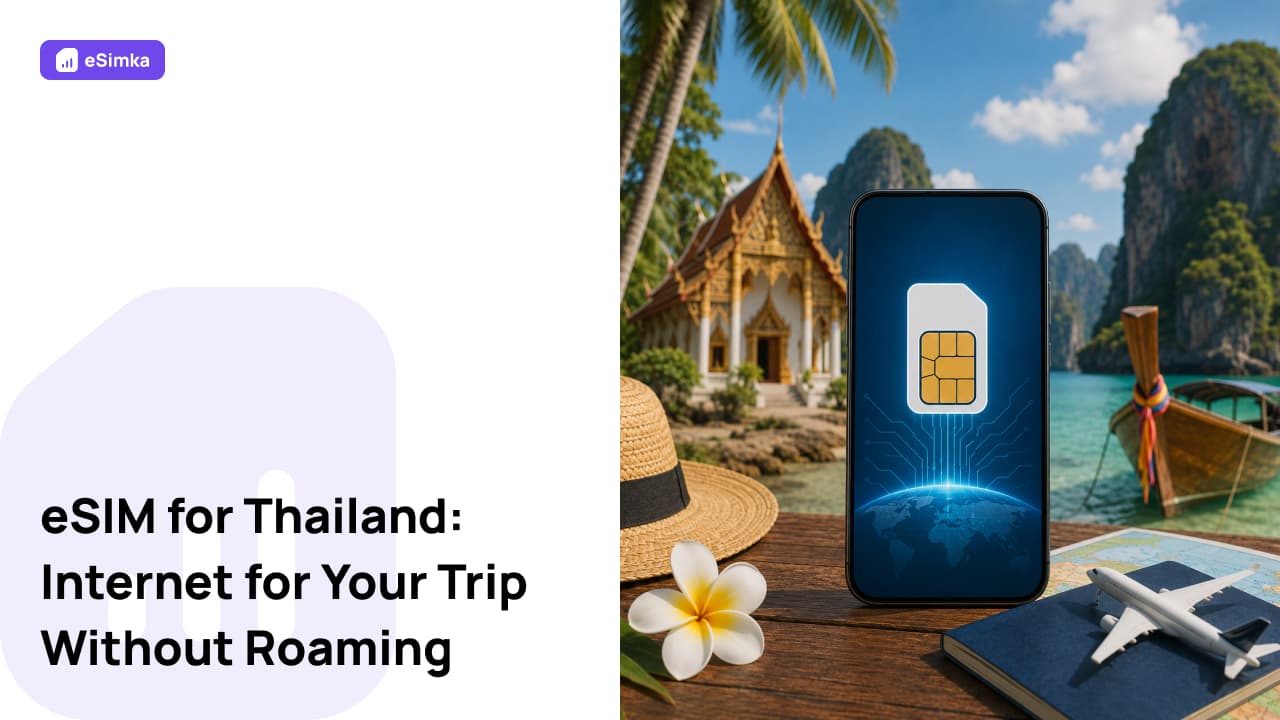
Thailand is a popular destination for vacations, remote work, and travel. Reliable mobile internet is often needed immediately upon arrival for maps, ride-hailing apps, messaging, hotel reservations, translation tools, and work-related tasks. To avoid searching for a local SIM card after landing and paying expensive roaming fees, you can connect an eSIM for Thailand before your trip.
Why Do You Need an eSIM in Thailand?
Internet access is often essential from the moment you arrive at the airport. You may need to contact your hotel, book transportation, check directions, or use a taxi app.
An eSIM allows you to stay connected without visiting a mobile store or purchasing a local SIM card.
Key benefits of using an eSIM include:
- activation before departure;
- no expensive roaming charges;
- immediate internet access after arrival;
- keeping your primary phone number active;
- flexible data plans for different travel needs;
- no need to replace your physical SIM card.
For tourists and digital nomads, eSIM is one of the most convenient ways to stay connected in Thailand.
Where Does eSIM Work?
Most eSIM providers use the networks of Thailand’s major mobile carriers.
Internet access is typically available in:
- Bangkok;
- Pattaya;
- Phuket;
- Krabi;
- Koh Samui;
- Chiang Mai;
- Hua Hin;
- Ayutthaya;
- airports and tourist areas;
- major resort destinations throughout the country.
In most cities and popular travel locations, 4G LTE and 5G networks are widely available.
Which Data Plan Should You Choose?
The best plan depends on the length of your trip and how actively you use mobile internet.
General recommendations:
- 1–3 GB — navigation, messaging apps, and basic browsing;
- 5–10 GB — social media, video calls, and everyday use;
- 10–20 GB — remote work, video streaming, and heavy internet usage;
- large or unlimited plans — long-term stays and full-time online work.
For a typical 7–14 day vacation, most travelers find that 5–10 GB is sufficient.
When Should You Install and Activate an eSIM?
It is recommended to install your eSIM before departure while you still have a stable internet connection.
Most providers allow you to download the profile in advance, while activation occurs once the device connects to a network in Thailand.
Before traveling, you should:
- install the eSIM profile;
- confirm that it appears in your device settings;
- save your QR code;
- verify that your device supports eSIM;
- review the provider’s installation instructions.
This preparation ensures that internet access is available immediately after arrival.
How to Install eSIM on iPhone
Installing an eSIM on an iPhone takes only a few minutes.
Steps to follow:
- Open Settings.
- Go to Cellular or Mobile Data.
- Tap Add eSIM.
- Select installation via QR code.
- Scan the QR code received after purchase.
- Confirm the installation.
- Select the eSIM as your mobile data line.
Your eSIM will then be ready to use in Thailand.
How to Install eSIM on Android
Menu names may vary depending on the smartphone manufacturer.
In most cases:
- Open Settings.
- Go to the SIM card or mobile network section.
- Select Add eSIM.
- Scan the QR code.
- Confirm the installation.
- Enable mobile data for the eSIM.
- Restart the device if necessary.
After arrival, the smartphone will automatically register on a supported local network.
What to Do If the Internet Is Not Working
If mobile internet does not work after arrival, check the basic settings first.
Make sure that:
- the eSIM profile is activated;
- mobile data is enabled;
- the eSIM is selected for mobile data usage;
- data roaming is enabled if required by the provider;
- the device is connected to a carrier network;
- APN settings are configured correctly.
In many cases, restarting the device or reconnecting to the network resolves the issue.
If the problem persists, contact your eSIM provider’s support team.
Frequently Asked Questions
Can I install an eSIM before departure?
Yes. In fact, most providers recommend installing the eSIM before your trip to avoid setup issues after arrival.
Do I need a passport to buy an eSIM?
Usually not. Most international eSIM plans can be purchased online without submitting identification documents.
Does eSIM work immediately after arrival?
Yes. If the profile is installed correctly, internet access is usually available as soon as the device connects to a local network.
Can I use hotspot tethering?
Many eSIM plans support hotspot sharing, although availability depends on the provider and specific package.
What should I do if I run out of data?
Most providers allow users to purchase additional data packages or extend the current plan.
Can I use an eSIM together with a physical SIM card?
Yes. Most modern smartphones support using a physical SIM card and an eSIM at the same time.