eSIM for the UAE: Internet in Dubai, Abu Dhabi, and Other Emirates
A complete guide to eSIM for the UAE: how to get internet access in Dubai, Abu Dhabi, and other emirates, which data plans to choose, and how to set up your eSIM.
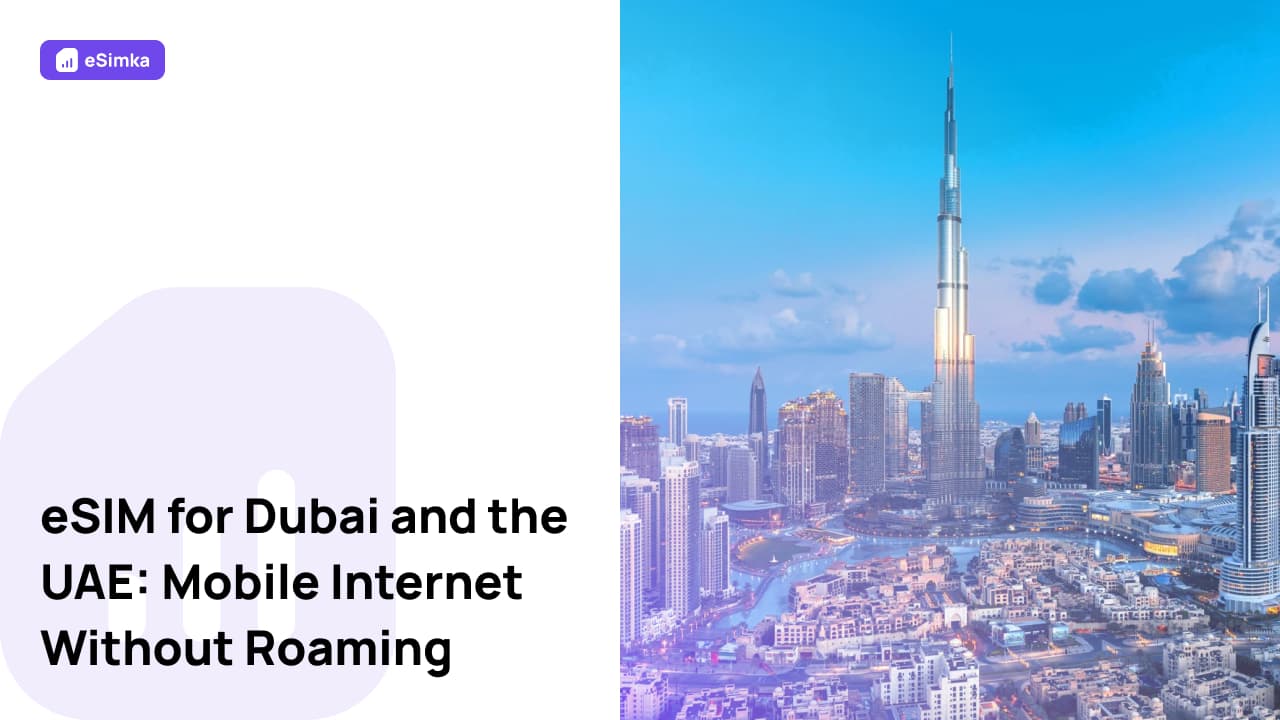
In the UAE, mobile internet is often needed as soon as you arrive at the airport—for booking a taxi, using navigation apps, contacting your hotel, messaging friends and colleagues, managing reservations, or handling work-related tasks. Traditional roaming can be expensive, while purchasing a local SIM card takes time.
That is why an eSIM for the UAE is a convenient way to connect to the internet before your trip and start using it immediately after arrival. An eSIM does not require a physical SIM card. You simply purchase a data plan online, install the eSIM profile on your smartphone, and enable mobile data through the eSIM.
Why Is eSIM Convenient in the UAE?
The UAE is a highly connected country where internet access is essential for everyday activities. From ordering a taxi to accessing airline apps and booking tours, many services require a reliable mobile connection.
Using an eSIM allows you to:
- activate internet access before departure;
- avoid expensive roaming charges;
- keep your primary phone number active;
- get online immediately after landing;
- avoid searching for local SIM card vendors;
- choose a data plan based on your travel needs and length of stay.
For tourists, business travelers, and digital nomads, eSIM is one of the easiest ways to stay connected throughout the UAE.
Where Does eSIM Work?
Most eSIM providers connect to the UAE’s leading mobile networks, offering reliable coverage across the country.
Internet access is typically available in:
- Dubai;
- Abu Dhabi;
- Sharjah;
- Ajman;
- Ras Al Khaimah;
- Fujairah;
- Umm Al Quwain;
- Al Ain;
- international airports;
- major tourist and business districts.
In large cities and popular destinations, users can access 4G LTE networks, while many areas also offer 5G connectivity.
Which Data Plan Should You Choose for Dubai?
The best data package depends on the length of your trip and how you plan to use the internet.
Typical recommendations include:
- 1–3 GB — maps, messaging apps, and basic navigation;
- 5–10 GB — active social media use and video calls;
- 10–20 GB — remote work, video streaming, and frequent internet usage;
- large or unlimited plans — long-term stays and full-time online work.
If you plan to use Google Maps, ride-hailing apps, food delivery services, video calls, and social media every day, a plan with at least 10 GB is recommended.
Is eSIM Suitable for Abu Dhabi, Sharjah, and Ajman?
Yes. eSIM works not only in Dubai but throughout all emirates of the UAE.
Once connected to a local network, internet access is available in:
- Abu Dhabi;
- Sharjah;
- Ajman;
- Ras Al Khaimah;
- Fujairah;
- Umm Al Quwain;
- Al Ain.
This makes eSIM a practical choice for both leisure and business travel across the country.
How to Install an eSIM
Installing an eSIM usually takes only a few minutes.
General setup process:
- Purchase an eSIM plan for the UAE.
- Receive a QR code or activation details.
- Open your smartphone settings.
- Add a new mobile plan.
- Scan the QR code.
- Wait for the installation to complete.
- Save the configuration.
After installation, the eSIM will be ready to connect once your device joins a network in the UAE.
How to Enable Internet After Arrival
After landing, you only need to complete a few simple checks.
Make sure that:
- the eSIM profile is enabled;
- mobile data is turned on;
- the eSIM is selected as the mobile data line;
- Airplane Mode is disabled;
- data roaming is enabled if required by your provider.
Once the device registers on a local network, internet access is usually available within a few minutes.
Possible Issues
In some cases, internet access may not work immediately after arrival.
Common reasons include:
- the eSIM profile was not installed correctly;
- mobile data is disabled;
- the wrong SIM is selected for data usage;
- data roaming is turned off;
- the device does not support eSIM;
- temporary network registration issues.
In most situations, restarting the smartphone or manually selecting a network resolves the problem.
If the issue continues, contact your eSIM provider’s customer support team.
FAQ
Does eSIM work at Dubai Airport?
Yes. Once your device connects to a local network, internet access is typically available immediately, including at Dubai International Airport.
Can I use an eSIM and a physical SIM card at the same time?
Yes. Most modern smartphones support dual SIM functionality with both a physical SIM card and an eSIM.
Is eSIM suitable for traveling across multiple emirates?
Yes. Internet access remains available throughout the UAE without changing settings or switching networks.
When should I install my eSIM?
It is recommended to install your eSIM profile before departure while you have a stable internet connection.
Do I need to buy a local SIM card?
No. An eSIM provides mobile internet access without requiring a physical local SIM card.
Which is better for the UAE: eSIM or roaming?
In most cases, eSIM is significantly more affordable than international roaming and provides instant access to mobile internet upon arrival.